
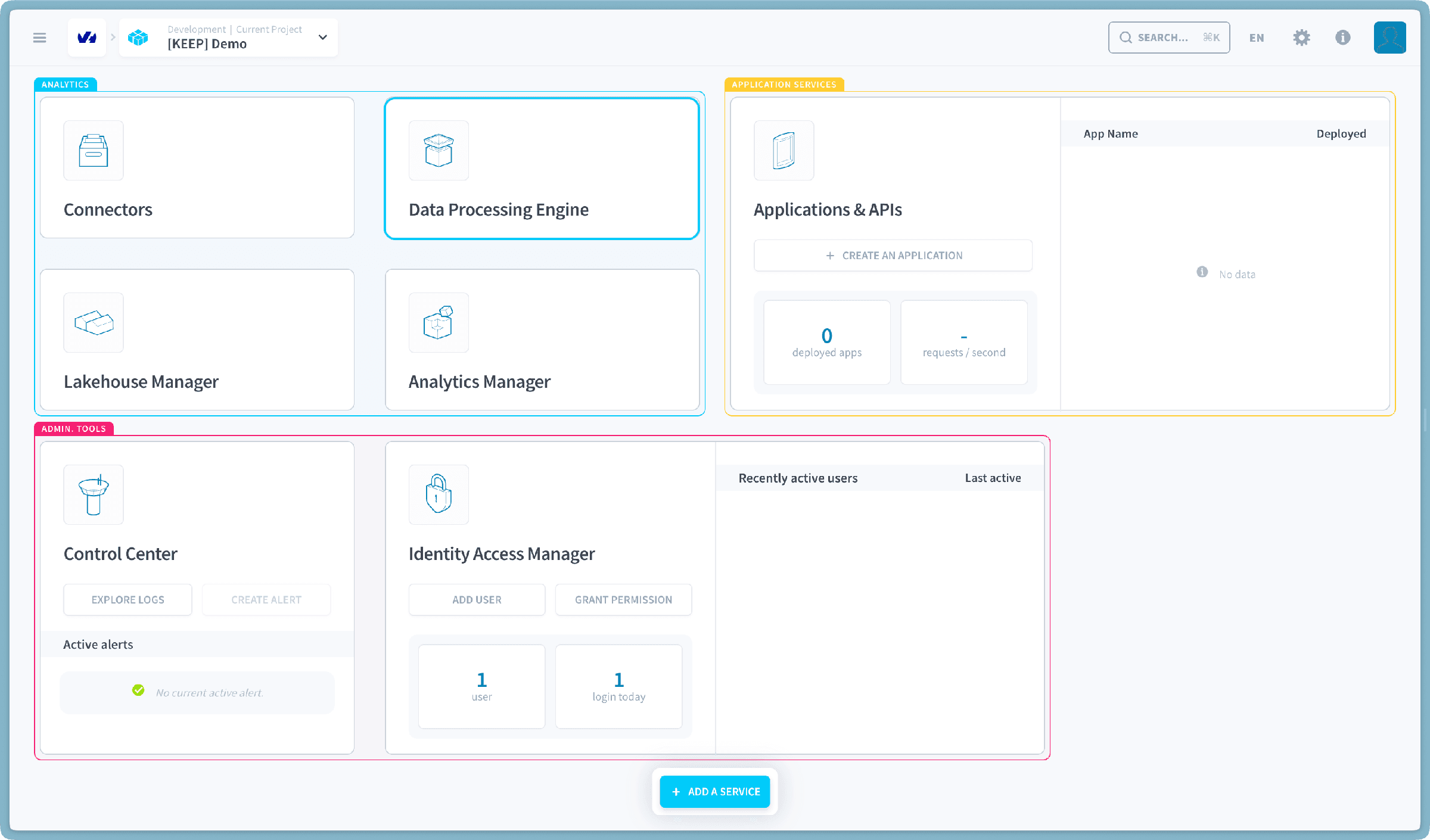
Data Processing Engine
Actions, workflows and notebooks, and the jobs that run them.
What is the Data Processing Engine?
The Data Processing Engine builds and runs the data pipelines of a project, from raw sources through to the tables analysts query. It covers extraction and loading from a registered source, transformation of data already held in the project, and the scheduling and triggering around both.
Four objects make up the model:
- An action is one unit of work: load a table, aggregate it, run SQL, run custom Python or PySpark.
- A workflow chains actions into stages with a given execution order.
- An environment is a reusable set of execution settings, covering resources, perimeter, segmentation and variables, shared across actions and workflows.
- A job is one execution of an action or a workflow.
Execution is job-based rather than long-running. When an action or workflow is triggered, the platform builds a worker with the resources requested, runs the job, then shuts the worker down, so compute is billed for the execution only. An always-up execution mode is available for workloads that cannot wait for provisioning.
Every job runs as a service account, and that identity's IAM roles decide what the job can read and write. Notebooks are the interactive counterpart: Jupyter instances for exploring data before its logic becomes an action. For PySpark jobs, the Spark History Server keeps the Spark UI of past runs available, so a finished job can still be inspected stage by stage.
Actions→
One unit of work: load, transform, export or clean up.
Workflows→
Chain actions into stages with an execution order.
Environments→
Reusable execution settings shared across actions.
Jobs→
Every execution, its state, resources and history.
Notebooks→
Jupyter instances for exploring data interactively.
Spark History Server→
Inspect a finished Spark run and its DataFlint analysis.
Settings→
Engine-level defaults and quotas.
Go further
For training or technical assistance implementing our solutions, contact your sales representative or visit our Professional Services page to request a quote and have your project analysed by our experts.
Ask questions, give your feedback and interact directly with the team building the Data Platform on the dedicated Discord channel.
If you need support with your OVHcloud services, create a request in our Help Centre.
Join our community of users.