
Web Cloud Databases - Enabling PostgreSQL extensions
Find out how to enable the available extensions (PostGIS, hstore, unaccent, etc.) on a PostgreSQL database hosted on Web Cloud Databases
Objective
PostgreSQL extensions are modules that enrich your database with additional features: new data types, functions, operators or procedural languages. On a Web Cloud Databases solution, you can enable the compatible extensions directly from the OVHcloud Control Panel, without using the command line.
This guide explains how to enable the available extensions on a PostgreSQL database hosted on a Web Cloud Databases solution.
Requirements
- A Web Cloud Databases instance using PostgreSQL.
- Having read the Getting started with PostgreSQL guide.
OVHcloud Control Panel Access
- Direct link:
- Navigation path:
Web Cloud>Web Cloud Databases> Select your database service
Instructions
Enabling an extension
Click on the tabs below to view each of the 3 steps.
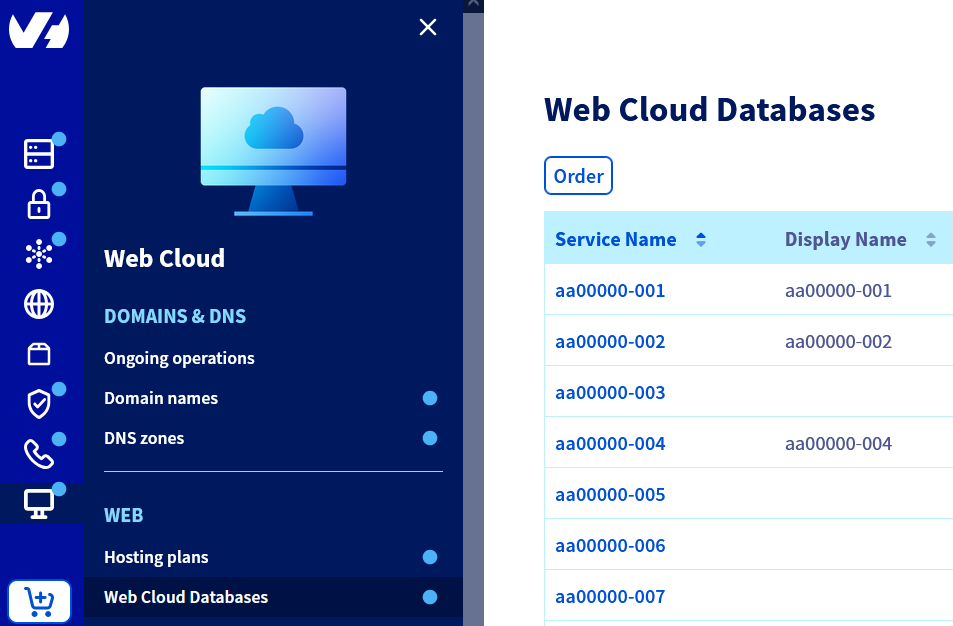
Go to the page, then select the solution concerned.

Enabling an extension applies to the selected database. To enable it on another database on the same server, repeat the operation by selecting the database concerned.
Available extensions
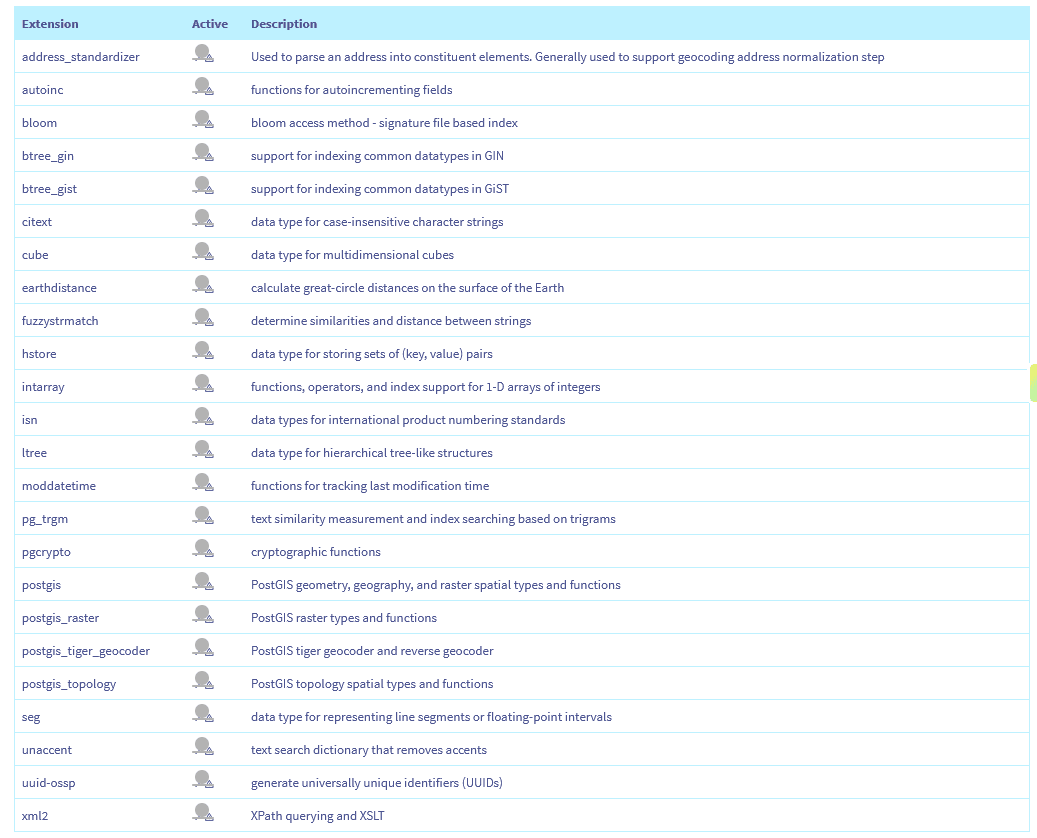
The list of extensions offered depends on the PostgreSQL version used by your server. The extensions available for your version are displayed in the activation window.
Here is the list of available extensions:
Go further
Configuring your database server
Getting started with PostgreSQL
For specialised services (SEO, development, etc.), contact OVHcloud partners.
If you would like assistance using and configuring your OVHcloud solutions, please refer to our support offers.
Join our community of users.