
Cloud Archive Swift - Creating a Public Cloud Archive container
Find out how to create your Public Cloud Archive containers in the OVHcloud Control Panel
Objective
The Public Cloud Archive offer is an unlimited storage solution with simple billing tailored to your needs. There are many types of object containers:
- For static hosting (static website).
- For private hosting (e.g. storage of personal data).
- For public hosting (to store everything that is accessible to the public).
- For cold storage (archiving).
The first step is to create a container that will hold your files.
This guide explains how to create a container in the OVHcloud Control Panel.
Requirements
OVHcloud Control Panel Access
- Direct link:
- Navigation path:
Public Cloud> Select your project >Cloud Archive
Instructions
Creating a Public Cloud Archive container from the customer area
Click on Cloud Archive in the left-hand navigation bar under "Storage".
If this is your first container :
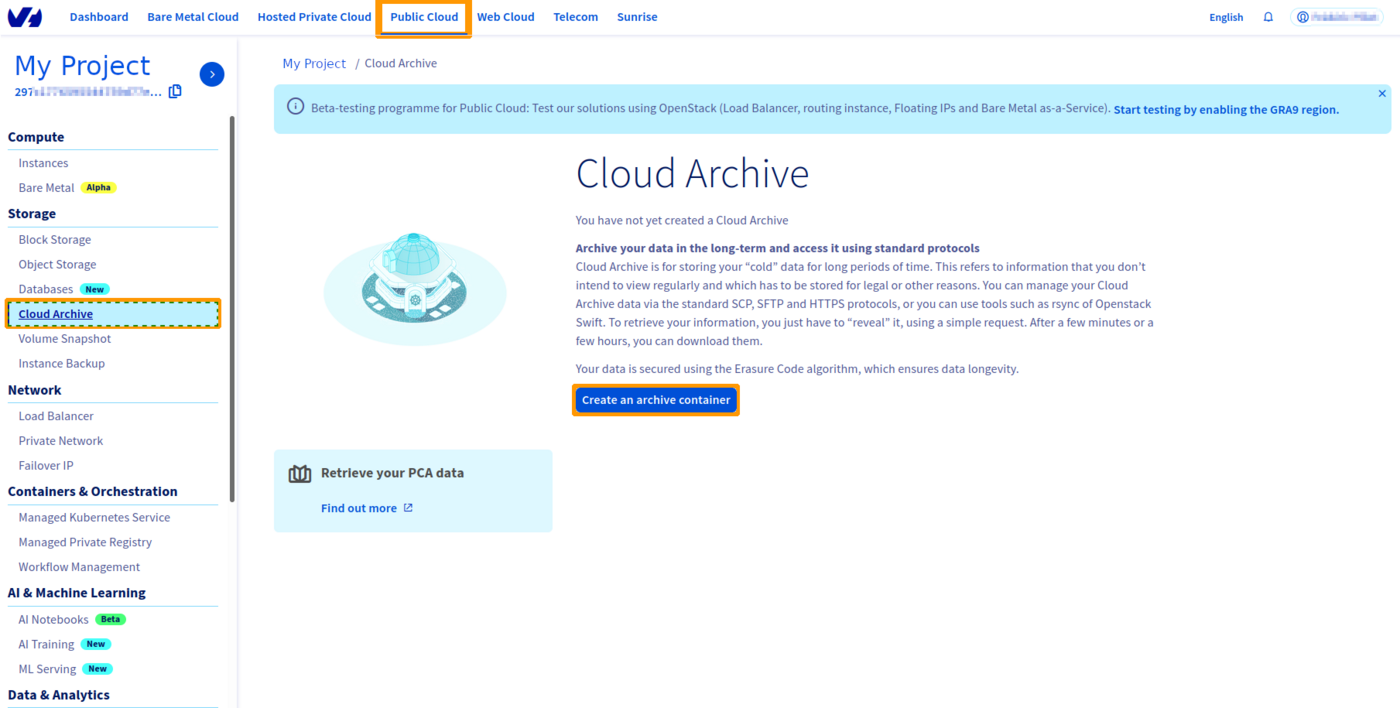
If this is not your first container:
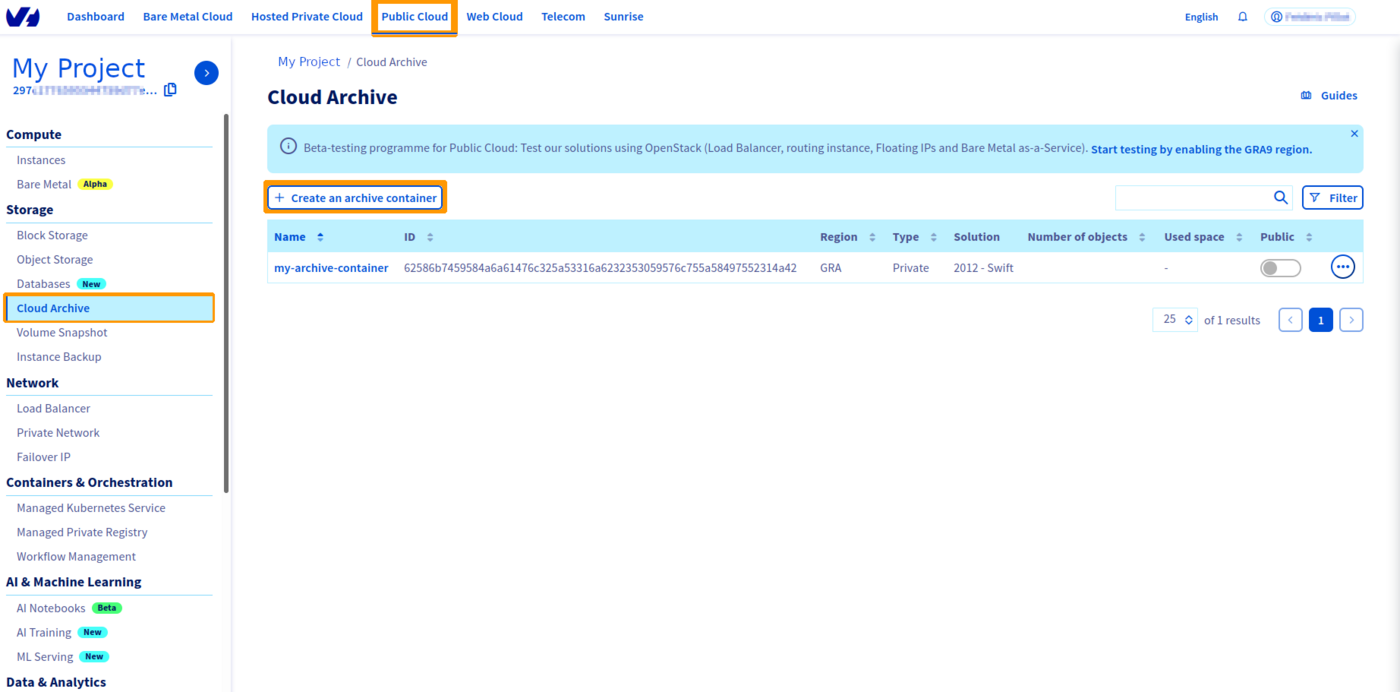
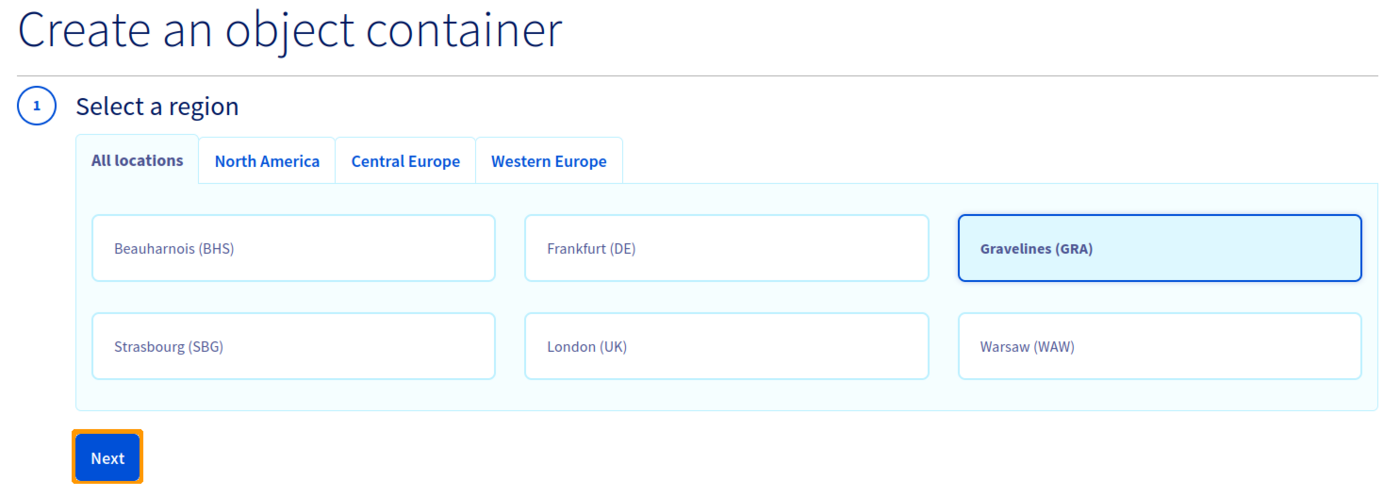
Select the region of your container, then click Next :
Name your container, then click Create the container :
If you want to link your container to a domain name, your container name must not contain the following characters:
- [ . ]
- [ _ ]
- And you must not use capital letters.
Refer to our guide on linking a container to a domain name if necessary.

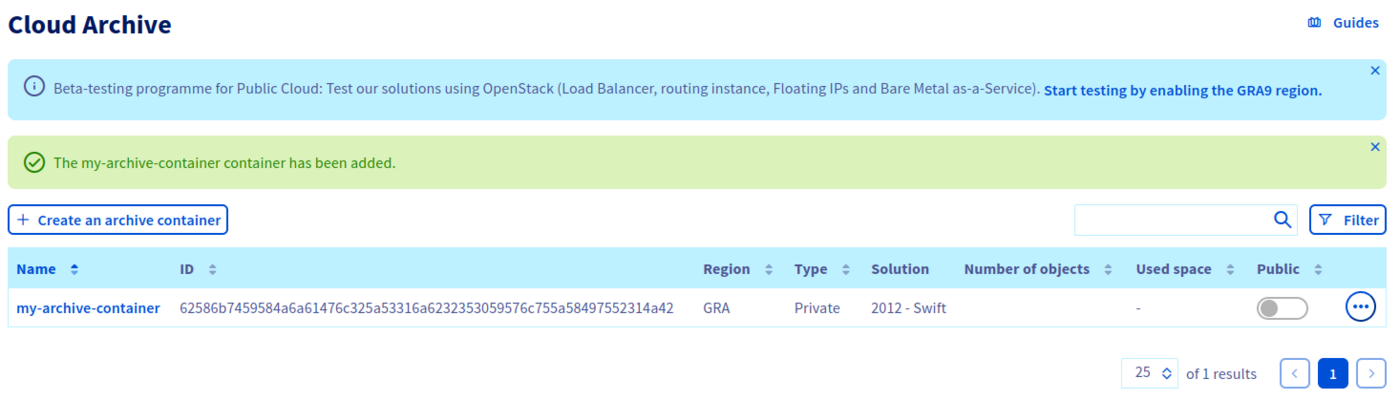
Your container is now created:
Go further
Join our community of users.