
How to detach a domain name from an existing website?
Find out how to detach a domain name or subdomain from an existing website on your web hosting
Objective
You can host multiple websites on the same web hosting plan, even if the domain names are not registered with OVHcloud. In addition, you can associate one or more domain names or subdomains with the same website.
Do you no longer want to use a domain name or subdomain for your website? Do you want to associate your domain name or subdomain with another website on one of your web hosting plans?
Find out how to detach a domain name or subdomain from an existing website on your web hosting.
Requirements
- A compatible OVHcloud web hosting plan
- One or more domain names
- Access to modify the configuration of the DNS zones of your domain names
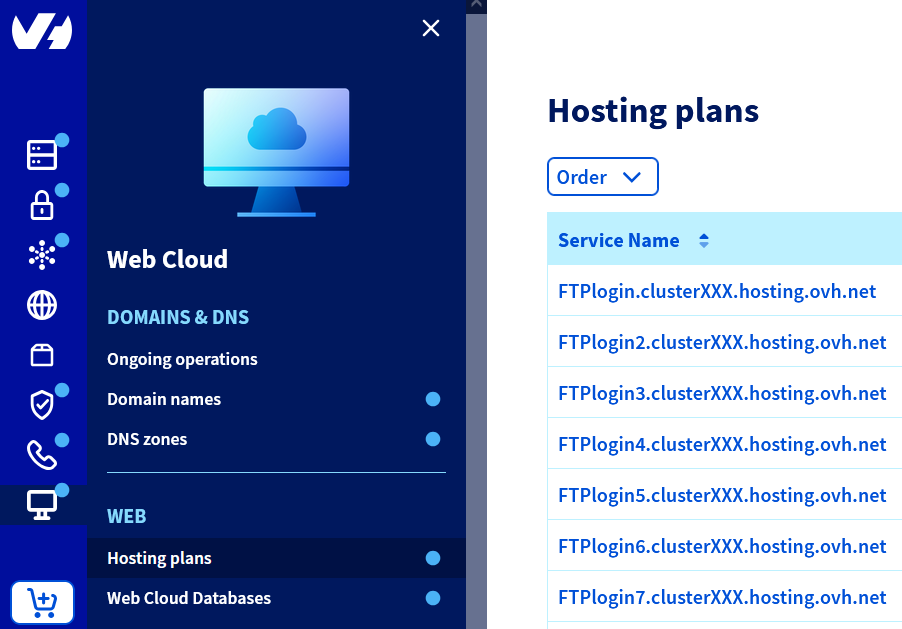
OVHcloud Control Panel Access
- Direct link:
- Navigation path:
Web Cloud>Hosting plans> Select your web hosting plan
Instructions
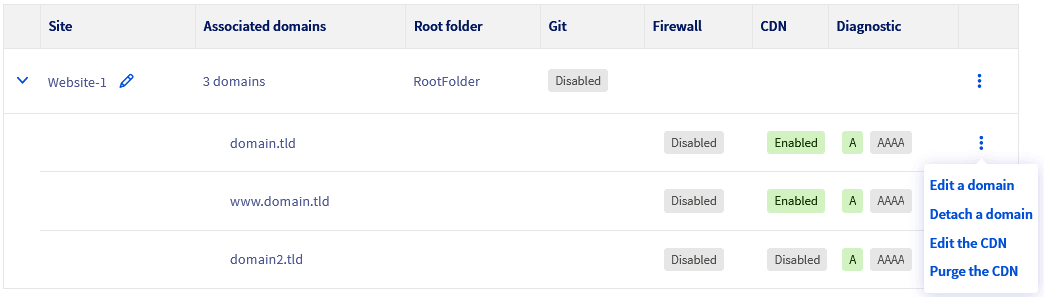
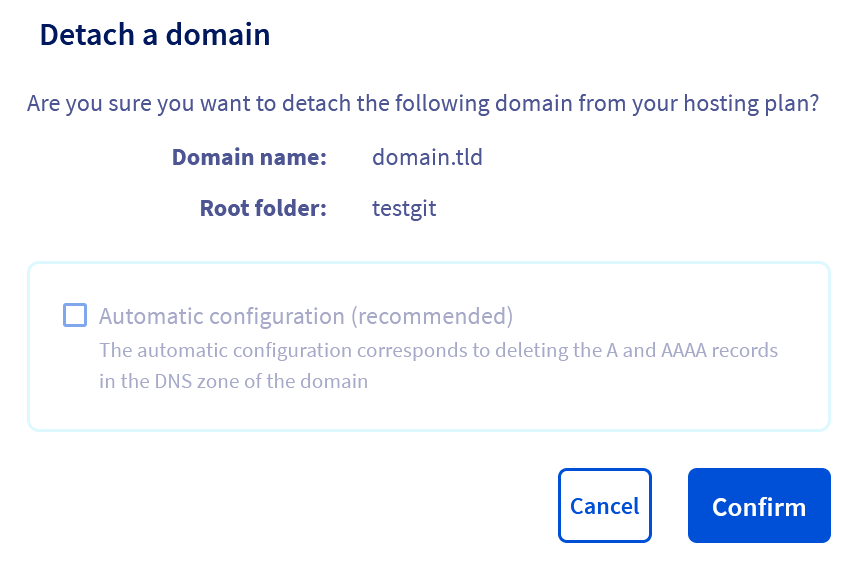
Detaching a domain name or subdomain from a website on your web hosting is a sensitive operation. Indeed, after this operation, your website will no longer be accessible on the Internet using your domain name and/or subdomain.
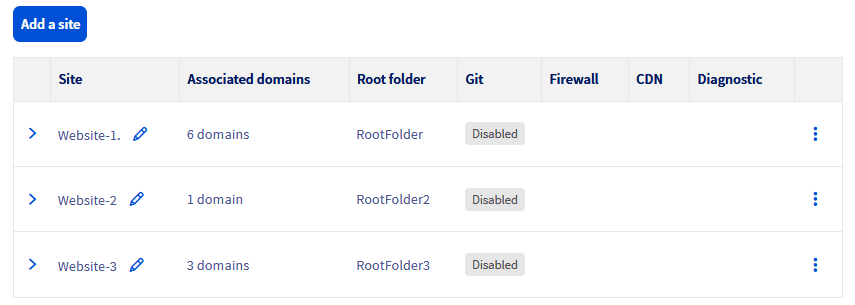
Click on the tabs below to view each of the 4 steps.
Go to the page, then select the web hosting plan concerned.

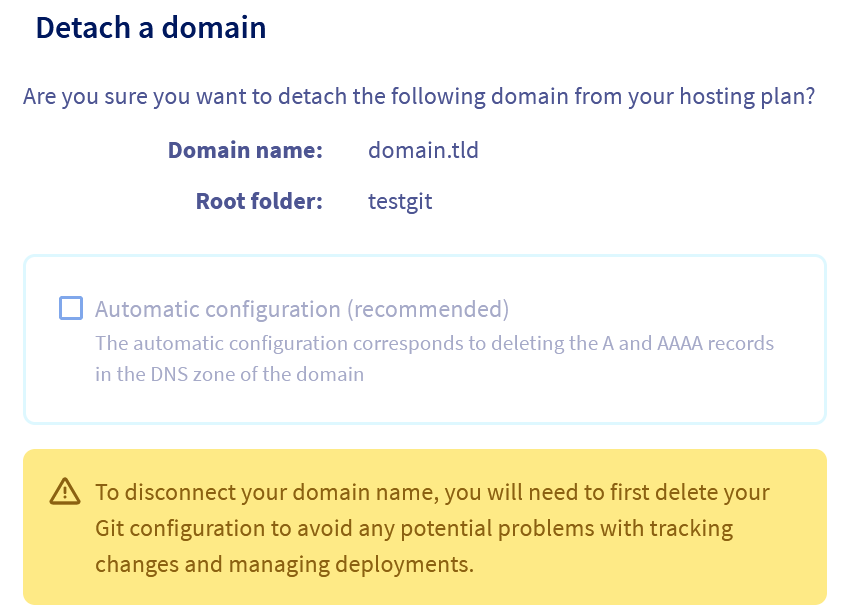
Special case: Detaching a domain name or subdomain to use it with another website
- If you want to add your domain name or subdomain to another existing website on a web hosting, refer to this guide.
- If you want to create a new website on a web hosting with your recently detached domain name or subdomain, refer to this guide.
Go further
For specialised services (SEO, development, etc.), contact OVHcloud partners.
If you would like assistance using and configuring your OVHcloud solutions, please refer to our support offers.
Join our community of users.