
How to disable Anycast DNS for your domain name
Find out how to cancel the Anycast DNS option subscribed for your domain name from your OVHcloud Control Panel
Objective
The Anycast DNS option speeds up your domain name's DNS resolution across the globe. Do you no longer need this acceleration, or no longer wish to renew it when it expires?
Find out how to cancel the Anycast DNS option for your domain name from your OVHcloud Control Panel.
Requirements
- An OVHcloud domain name.
- The Anycast DNS option must be active on the domain name concerned. To check this, see our guide "How to enable Anycast DNS for your domain name".
OVHcloud Control Panel Access
- Direct link:
- Navigation path:
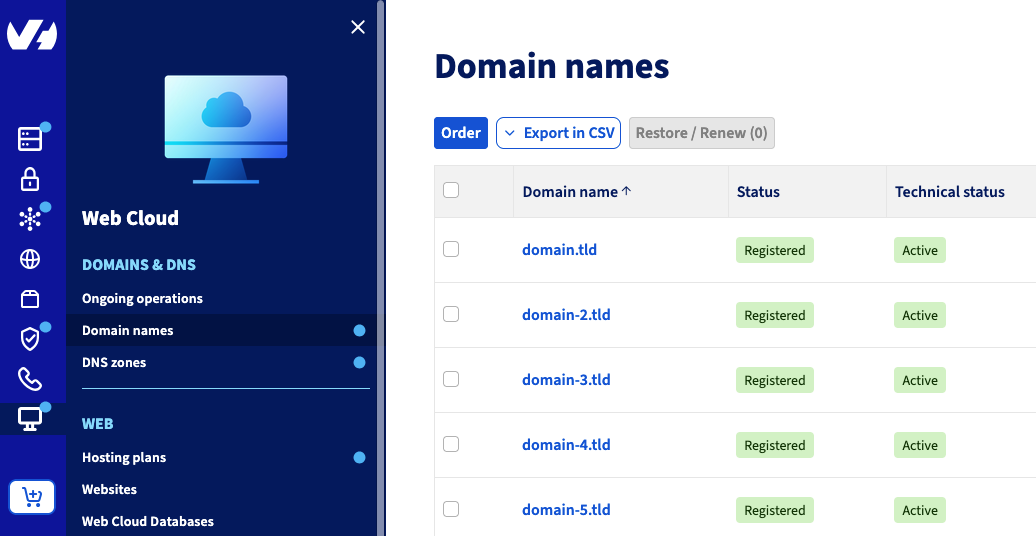
Web Cloud>Domain names> Select your domain name
Instructions
The cancellation does not take effect immediately: the Anycast DNS option remains active and operational until its expiry date. It is not renewed and is removed on that date.
Click on the tabs below to view each of the 4 steps.
Go to the page, then select the domain name concerned.
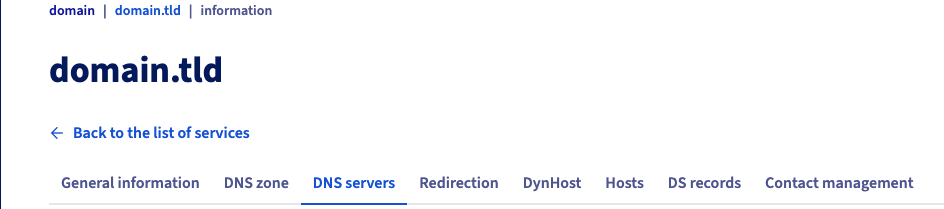


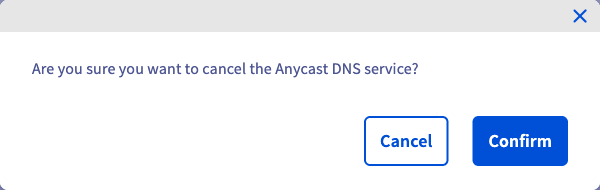
Once the cancellation has been recorded, check it from your domain name's General information tab: the Configuration section shows the status of the Anycast DNS option, along with its effective date.
After the cancellation's effective date, your domain name no longer uses the Anycast DNS servers. Bear in mind the natural DNS propagation time, which can take up to 48 hours.
Go further
For specialised services (SEO, development, etc.), contact OVHcloud partners.
If you would like assistance using and configuring your OVHcloud solutions, please refer to our support offers.
Join our community of users.