
Webmail - Access your OVHcloud mailbox online
Access your emails from a browser, with no software to install.
What is a webmail?
A webmail is an interface that lets you read, send and organise your emails directly from a web browser, without installing or configuring any email software. Your messages stay hosted on OVHcloud servers: you can access them from any computer connected to the Internet, simply by logging in.
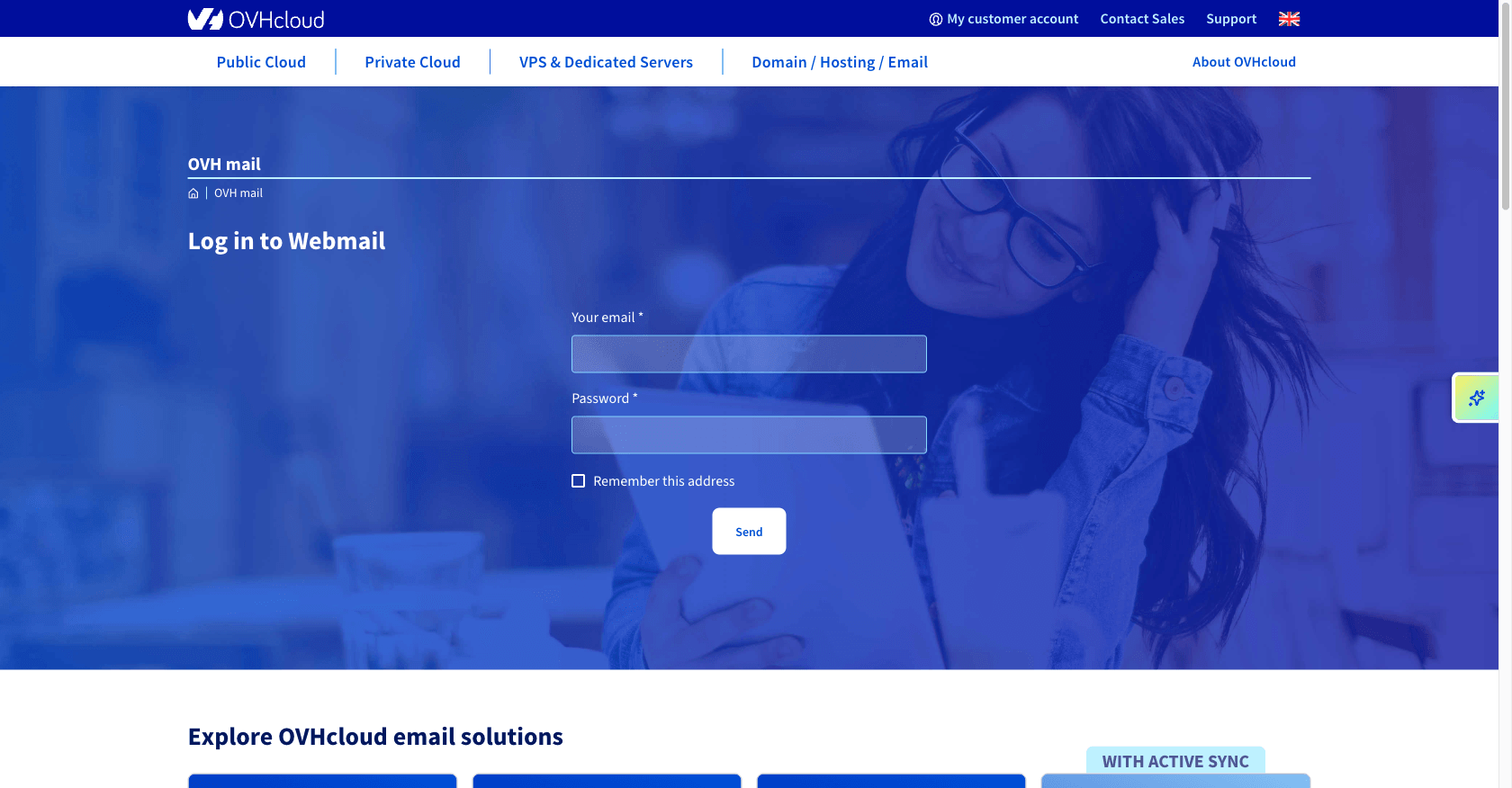
The simplest entry point is the OVHcloud webmail login page: enter your full email address and password to open your mailbox.
Access your mailbox at www.ovhcloud.com/en-gb/mail/.
Depending on your email plan (and any migration it may have undergone), your mailbox relies on one of these three webmail technologies, with different interfaces and features.
Which webmail for which plan?
OVHcloud offers four email plans, and each one relies on a webmail technology. Here is how the three webmails are positioned across the plans:
Zimbra
The collaborative webmail: shared calendar, contacts and tasks.
Plans concernedRoundcube
The original webmail, lightweight and easy to use.
Plans concernedOutlook Web App (OWA)
The webmail based on Microsoft Exchange technology.
Plans concernedThe MX Plan solution can run on any of these three technologies depending on how it has evolved (migration). Roundcube and Zimbra are only available in the Europe region.
Which webmail for your MX Plan solution?
To identify the technology used by your service, go to your OVHcloud Control Panel, in the General information tab of your email service: it is shown under Webmail.
Connection
Webmail
ZimbraGoing further with Outlook Web App (OWA)
Once connected to the OWA interface, you can carry out most common mailbox management actions directly from your browser:
Go further
Questions? Access OVHcloud Support
Find the answer to your questions in our help centre.