
Log in to the Game Panel
Access the OVHcloud Game Panel login page and recover a lost password for standard or super admin accounts.
Objective
The OVHcloud Game Panel provides a dedicated interface for managing your game servers. To use it, you need to log in with your credentials.
This guide explains how to log in to the OVHcloud Game Panel and how to recover a lost password.
Requirements
- A VPS or a dedicated server in your OVHcloud account with the Game Panel feature enabled.
- The Game Panel access link provided during installation.
Instructions
Step 1 — Access the Game Panel
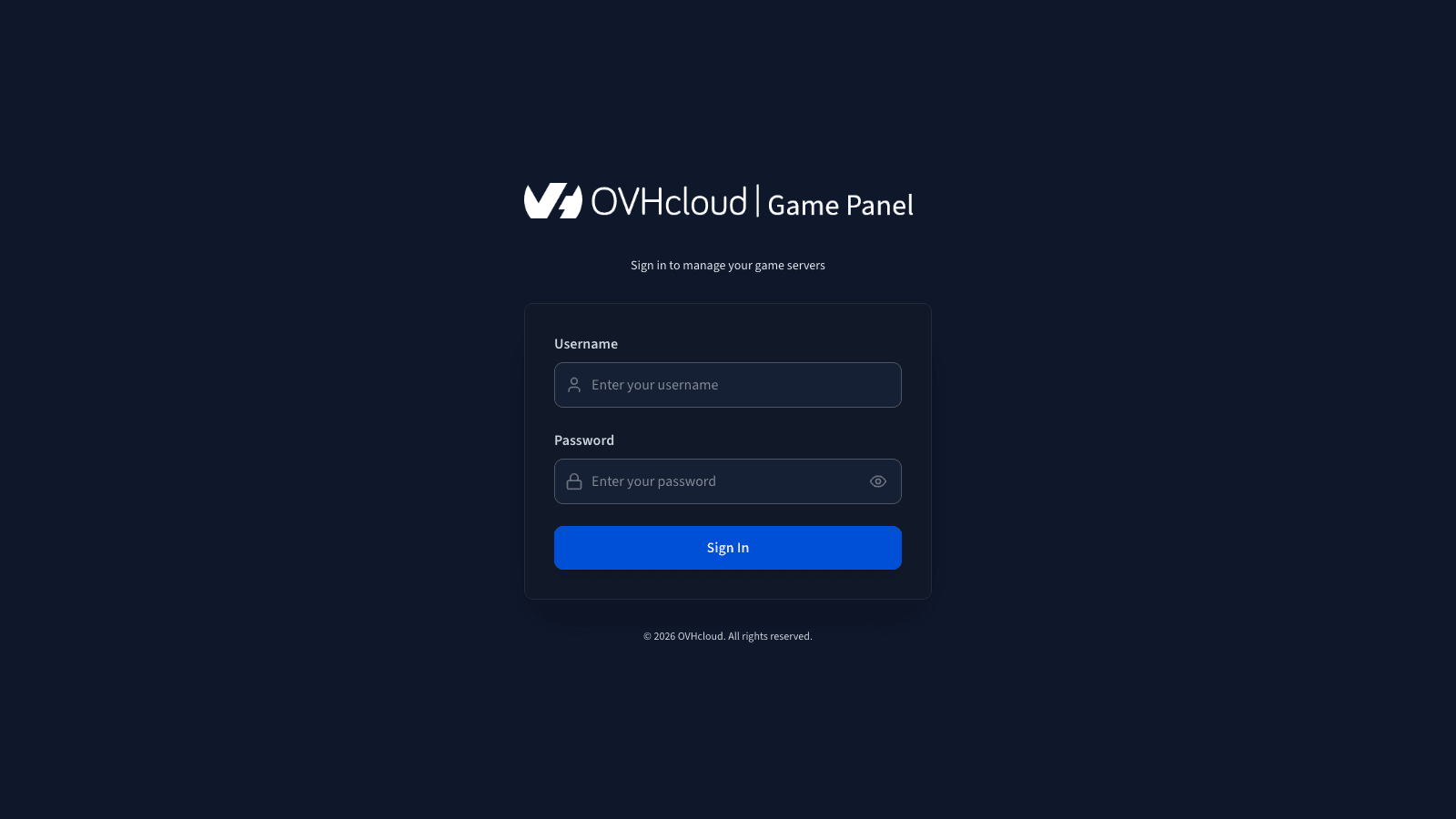
Go to your Game Panel. The access link depends on the domain you selected during installation.
Step 2 — Log in
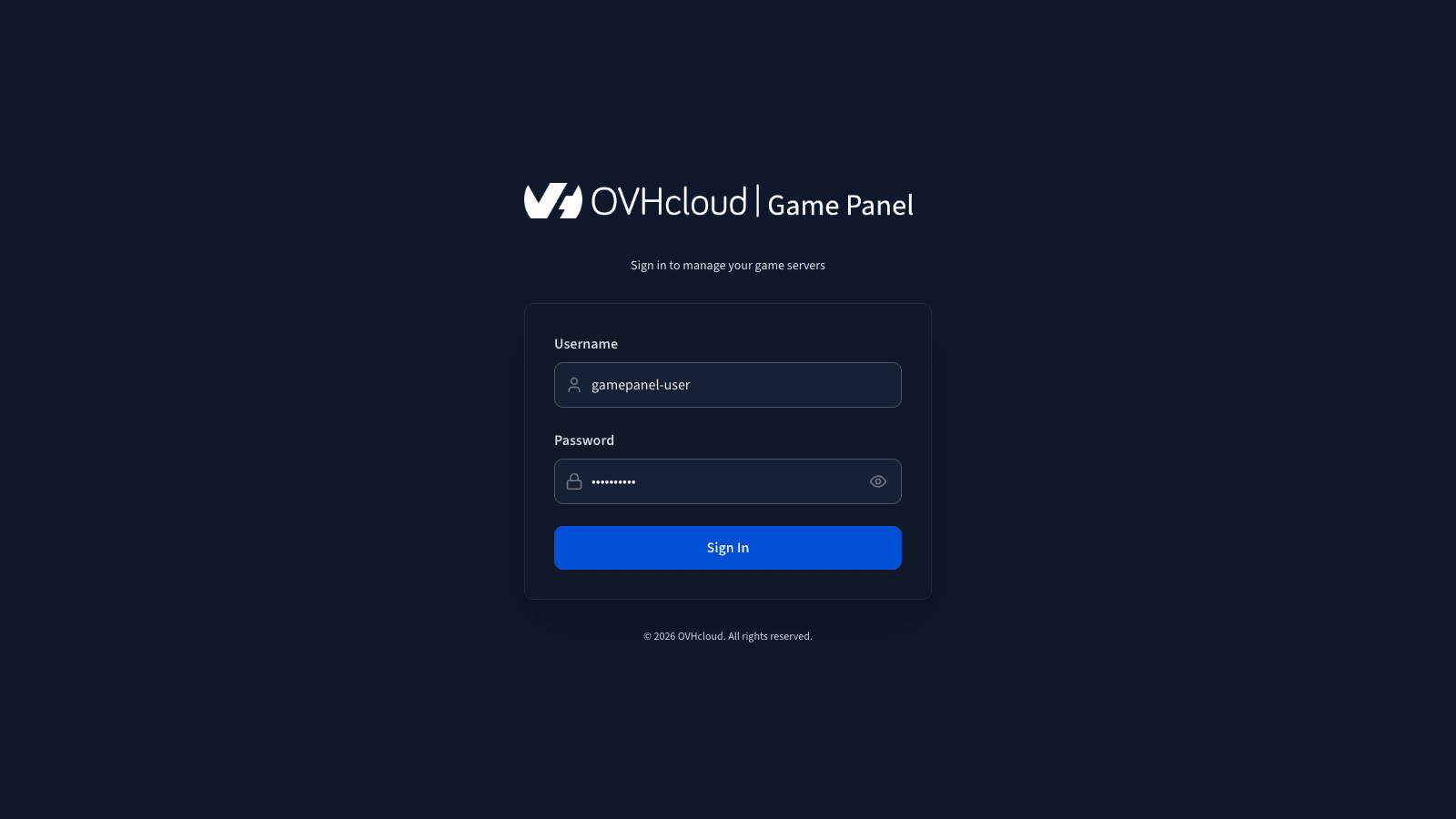
Enter your username and the associated password, then click Sign In to log in to the Game Panel.
Recover a lost password
Non-admin accounts
If a password has been lost, ask an administrator to reset it. Refer to Manage users on the Game Panel for details.
Super admin account
If the super admin password has been lost, you can reset it by connecting via SSH to the host machine, navigating to the deploy folder of the installation, and running the following command. If you are not familiar with SSH connections, refer to How to get started with SSH connections.
Expected output:
Reconnect to the application with the new admin password.
This operation disconnects all currently connected users.
Go further
To get started with the Game Panel, refer to Getting started with the Game Panel.
Join our community of users.