
Using instance backups to create or restore an instance
Find out how to restore an instance or create a new one from a backup
Objective
The OVHcloud Control Panel enables you to create backups of your instances within a few clicks, as well as automating this process. You can make use of these instance backups for two basic purposes:
- Creating a new instance with the backup as a template in order to duplicate the original instance, for example if you are configuring a load balancing infrastructure.
- Restoring instances from a backup, for example if recent changes broke critical configurations on the instance.
This guide explains how to use backups to duplicate and restore your instances.
Requirements
- A backup of a Public Cloud instance
OVHcloud Control Panel Access
- Direct link:
- Navigation path:
Public Cloud> Select your project >Instance Backup
Instructions
Two types of backups are available:
- Local: Stored in the same region as your instance.
- Distant: Automatically replicated in another region of your choice.
The operations of creating and restoring an instance from a distant backup are fully supported via the OVHcloud API, offering greater flexibility and effortless integration into your automation processes.
Note : These operations are not yet available through the OVHcloud Control Panel.
Creating an instance from a backup
Click Instance Backup in the left-hand navigation bar under Compute.
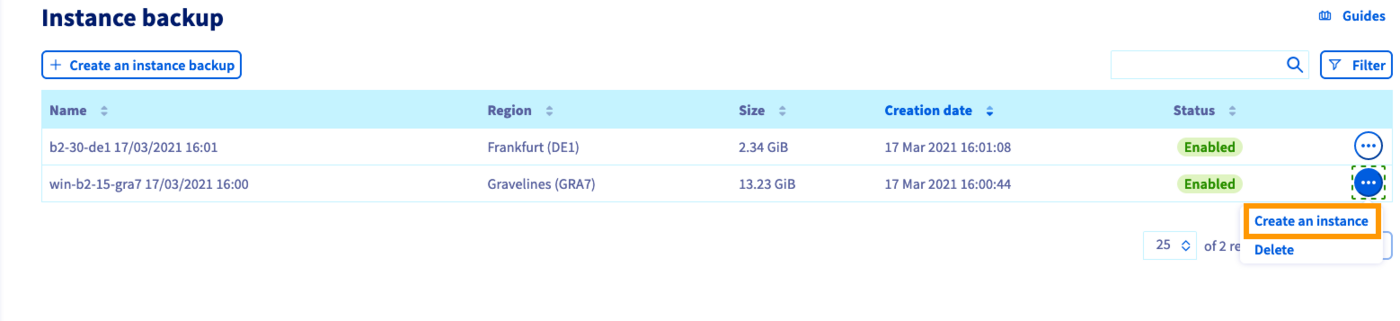
Click the ... button in the row of the relevant backup, then select Create an instance.
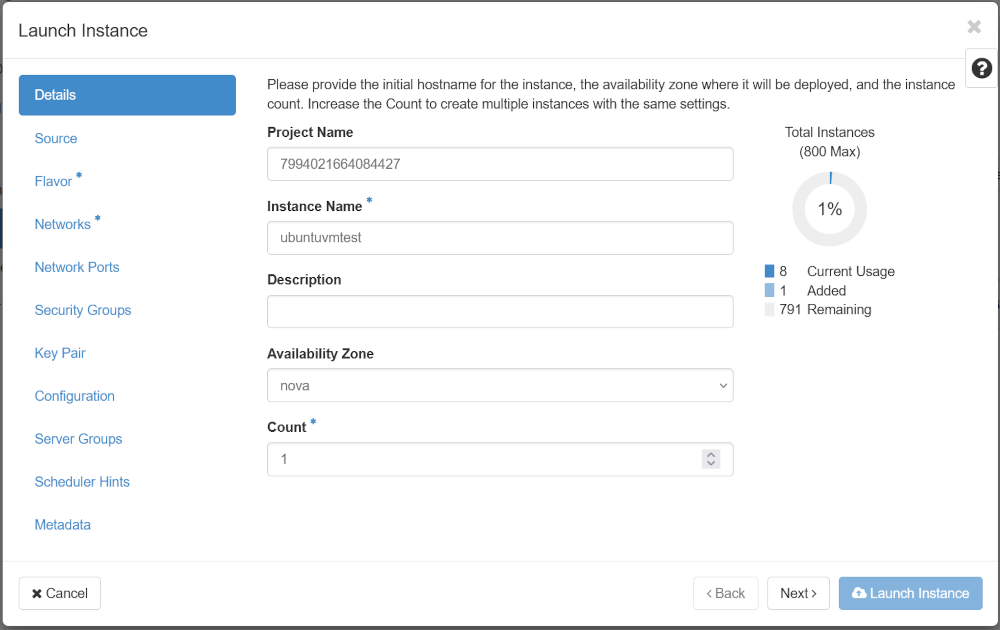
You will see a shortened version of the instance creation page where you can decide on some options.
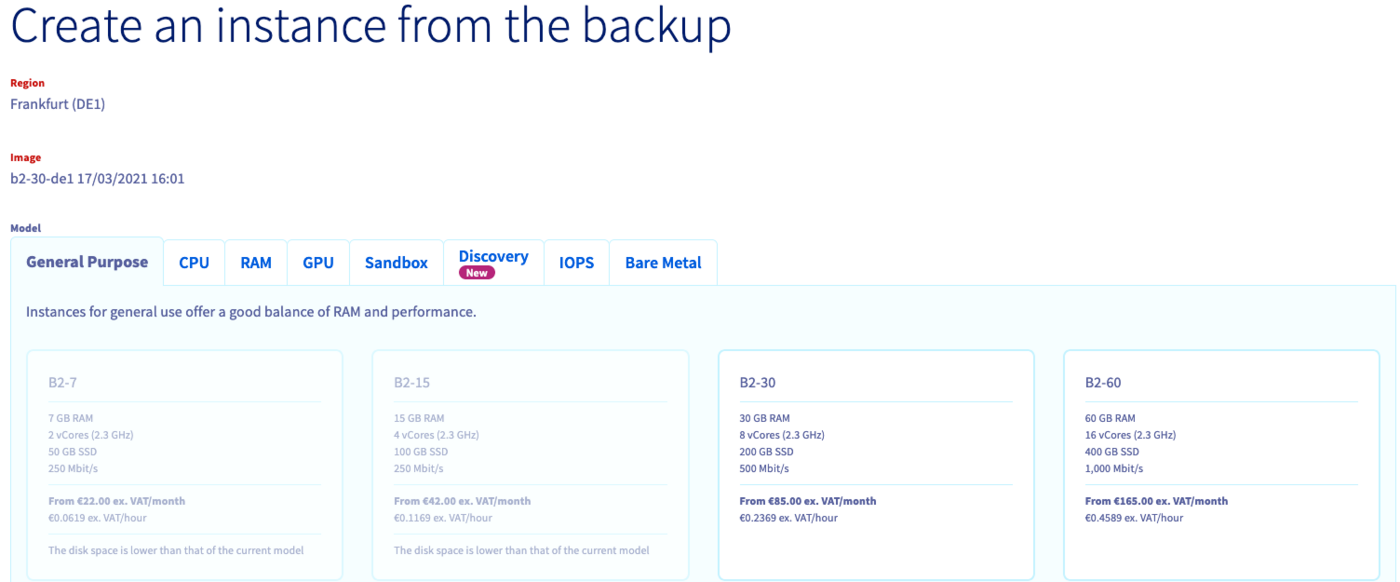
Some elements are pre-defined:
- Region: Your instance will be created in the same data centre as your backup.
- Image: The image will correspond to your backup.
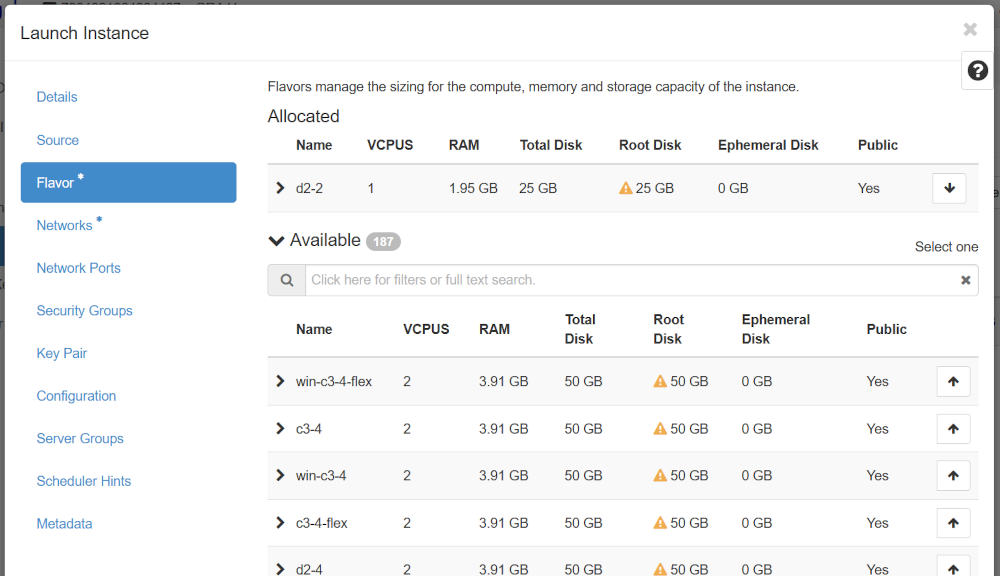
- Model: Only the models that are compatible with your image are available, depending on your quota.
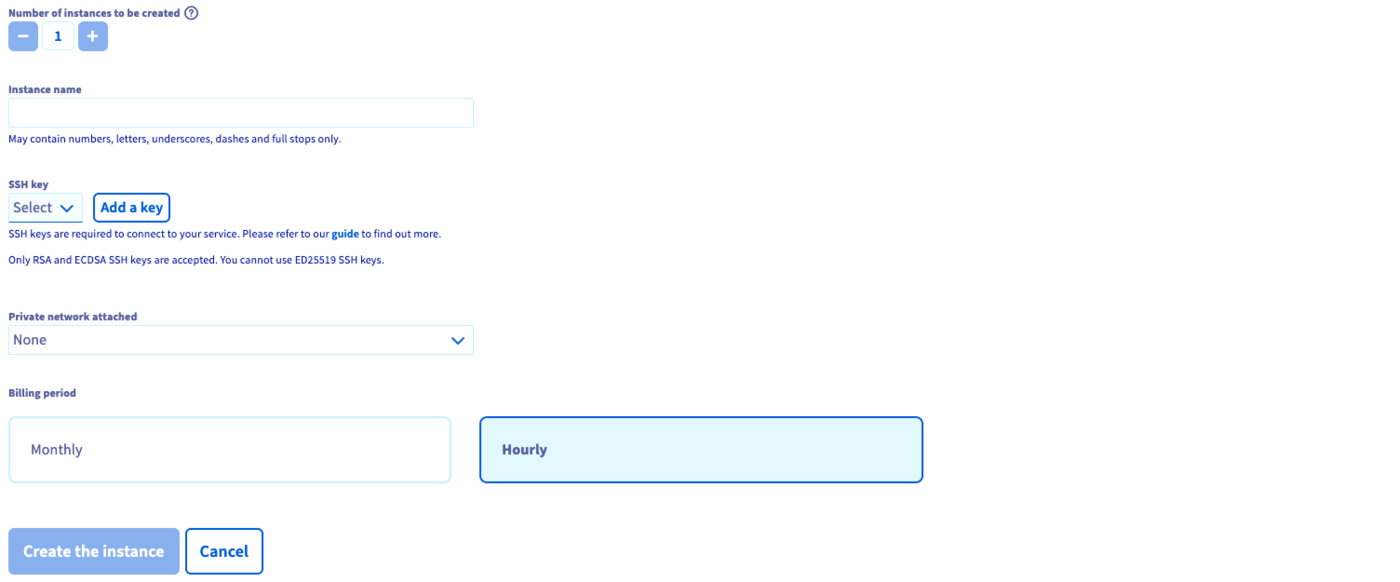
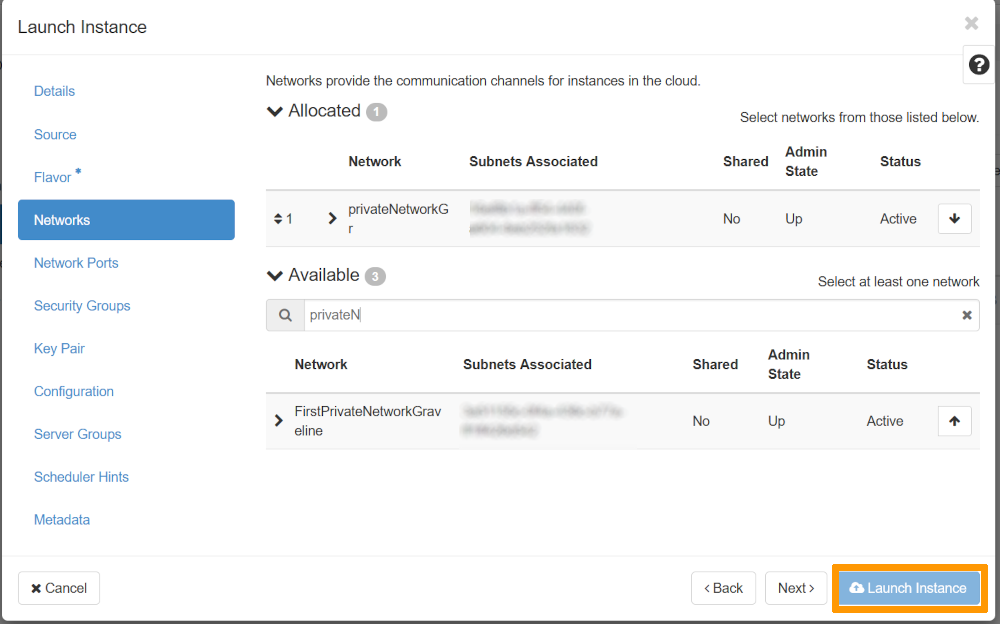
Choose the new instance's name, SSH key, vRack and billing period, then click the Create the instance button.
For further information on creating an instance, please refer to this guide.
In order to create the instance in a different data centre, you will first need to transfer the backup to the appropriate region. Please refer to our guide to transferring an instance backup.
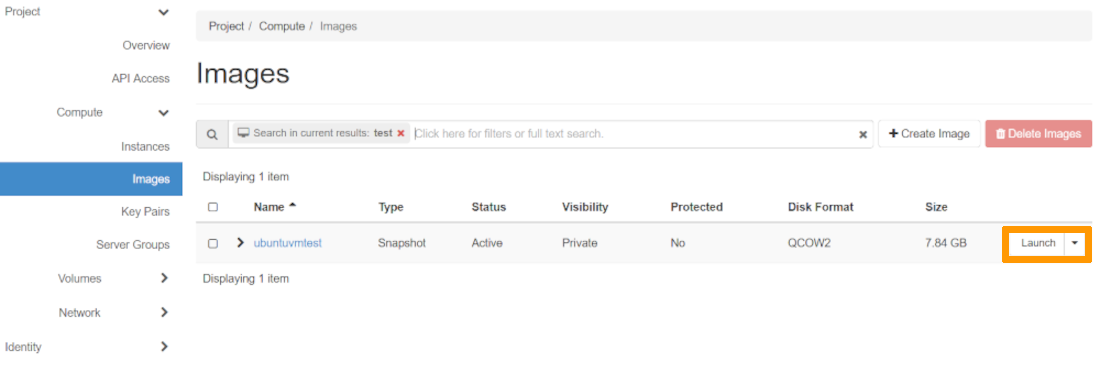
Restoring an instance from a backup
Click Instances in the left-hand navigation bar under Compute.
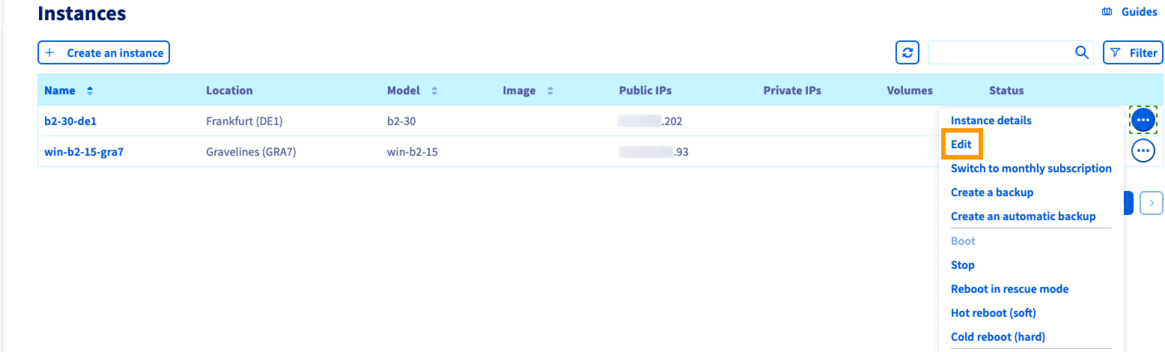
Click the ... button in the row of the relevant instance, then select Edit.
This opens the page for editing an instance where you can change:
- the instance's name;
- the instance's image;
- the instance's model;
- the instance's billing mode (from
hourlytomonthlyonly).
Make your changes if necessary and switch to the Backups tab of the Image section.
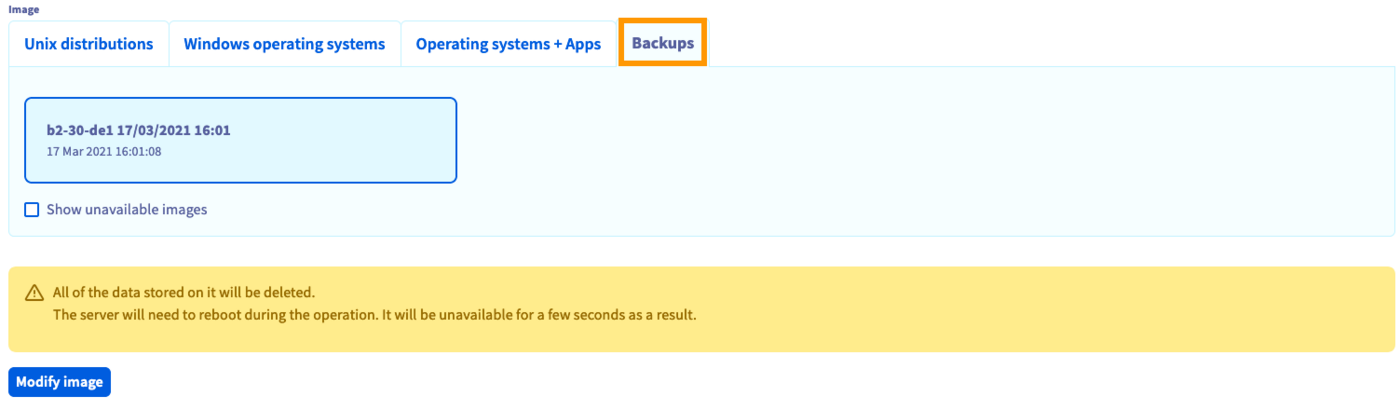
Select from the list of available backups. Click on Modify image if you are certain that you want to overwrite the current image with the backup.
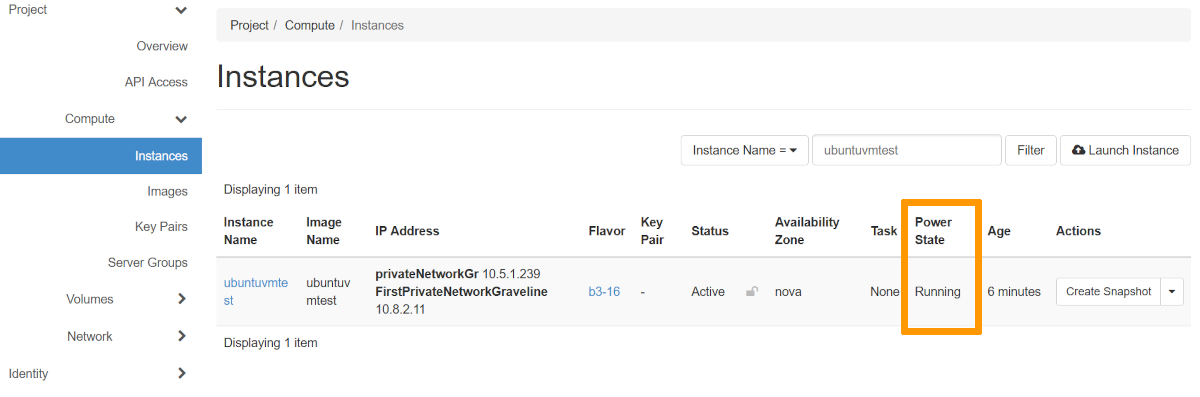
The instance will have the status Re-installation until the process is completed. It might be necessary to refresh the page in the browser in order to see the current status.
As stated in the warning message, any data added after the backup creation will be lost.
Go further
Join our community of users.