
Manage Dedicated Server Bandwidth via the OVHcloud API
Upgrade or downgrade the public bandwidth allocation on your dedicated server using the OVHcloud API.
Objective
Each of our dedicated servers includes a minimum public bandwidth of 500Mbps. If you have specific download or mass distribution requirements, such as software updates, you can upgrade the bandwidth. And if you need less bandwidth, you can also downgrade to a lower bandwidth.
In this guide, we explain how you can easily upgrade or downgrade the bandwidth of a dedicated server.
Please note that this option is available on most dedicated servers, but not all. Although our servers come with a minimum public bandwidth of 500Mbps, the public bandwidth upgrade option is not available on all dedicated server ranges.
Requirements
- A dedicated server in your OVHcloud account
- Access to the OVHcloud API
Instructions
Find available services
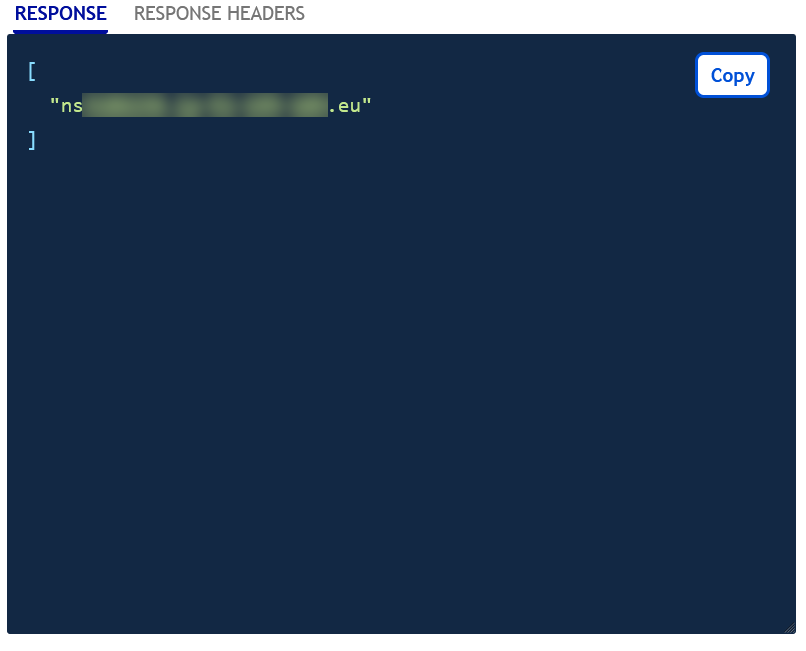
Use the following API call to list all the available services for upgrade (or downgrade) and verify that the service you wish to upgrade/downgrade is listed:
Find the plan code
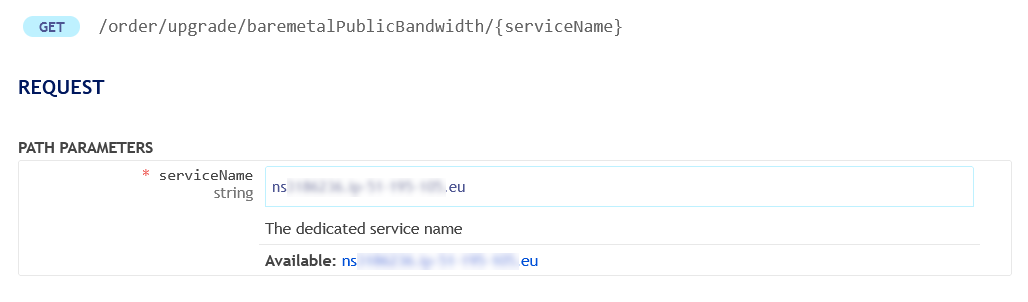
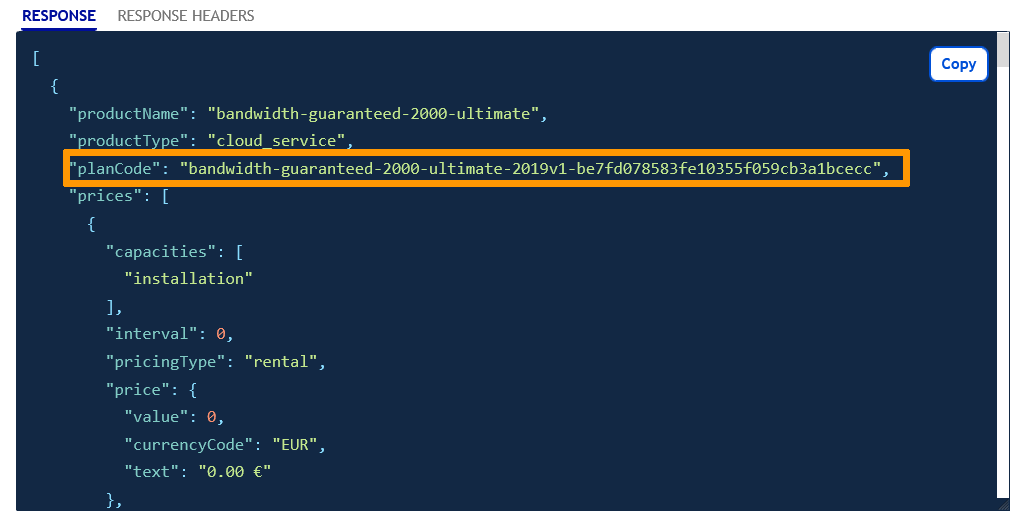
List available offers and find the planCode of your choice with the API call below:
Enter the variables:
- serviceName: the name of your dedicated server, for example
ns1234567.ip-203.0.113.eu
The RESPONSE field should display information similar to the following:
Review your order
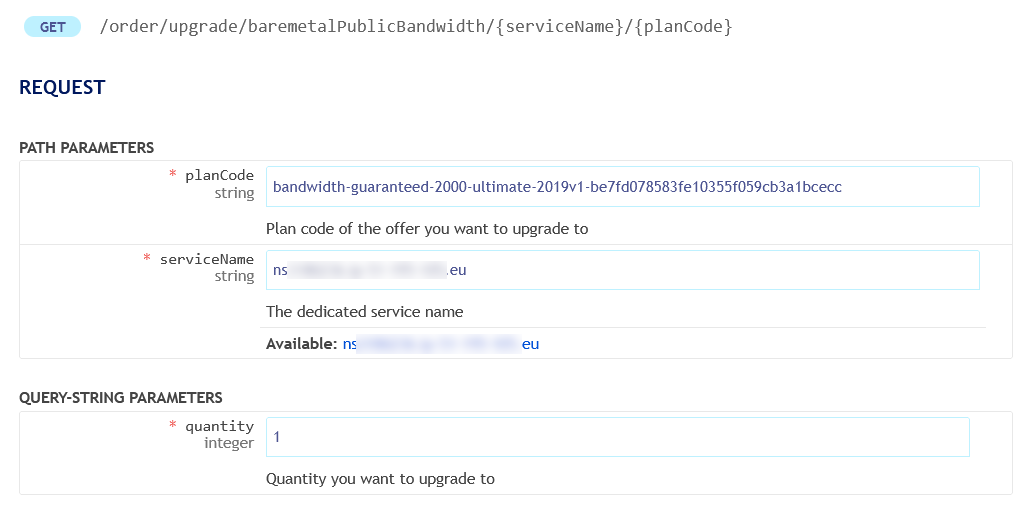
Use the following API call for a preview of your order, including pricing:
Enter the variables:
- planCode: the reference retrieved in the previous step
- serviceName: the name of your dedicated server
- quantity: 1
The RESPONSE field should display information similar to the following:
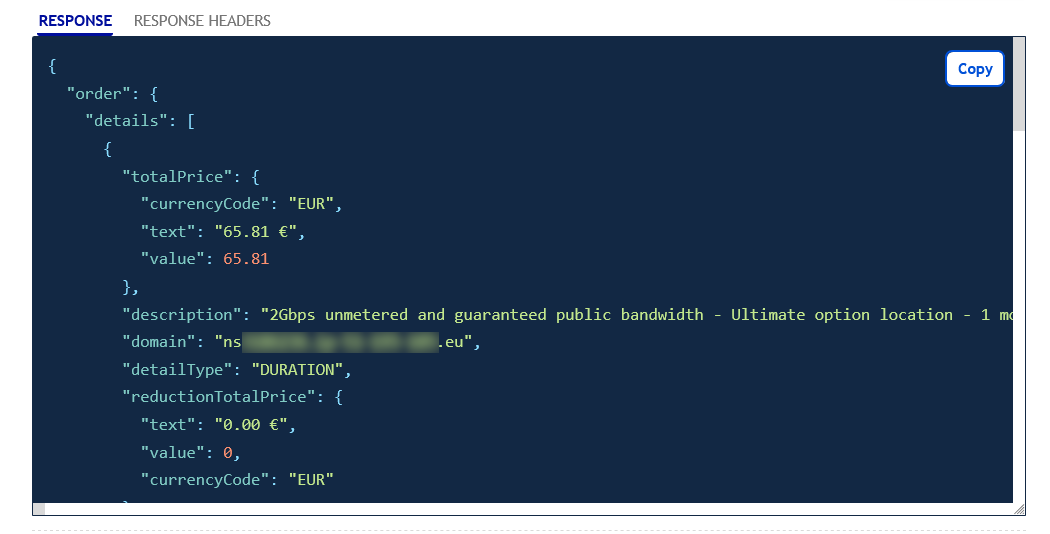
Submit your order
To officially submit the order, use the following API call:
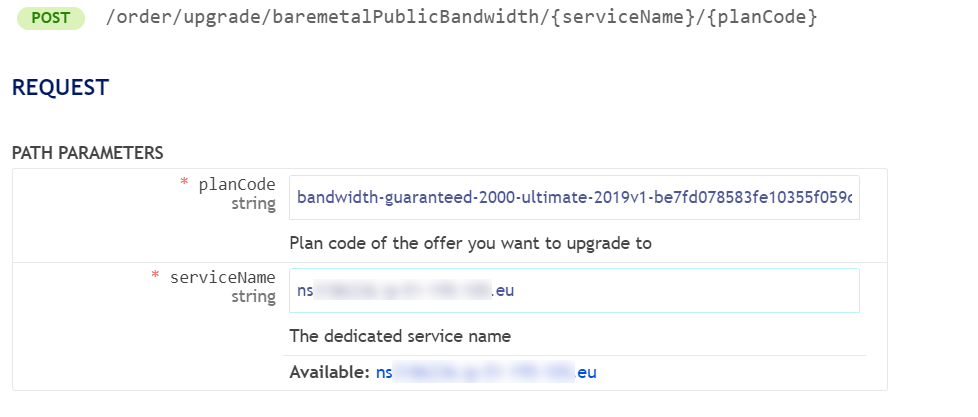
The order will be processed once you have clicked Execute. The amount displayed corresponds to your option’s first billing month, calculated on a pro rata basis for the current month.
Go further
Managing vRack Private Bandwidth via the OVHcloud API
How to get started with a Dedicated Server
Join our community of users.