
Customize your application style with CSS and LESS
Within an application, the Platform allows to modify the style and design
Objective
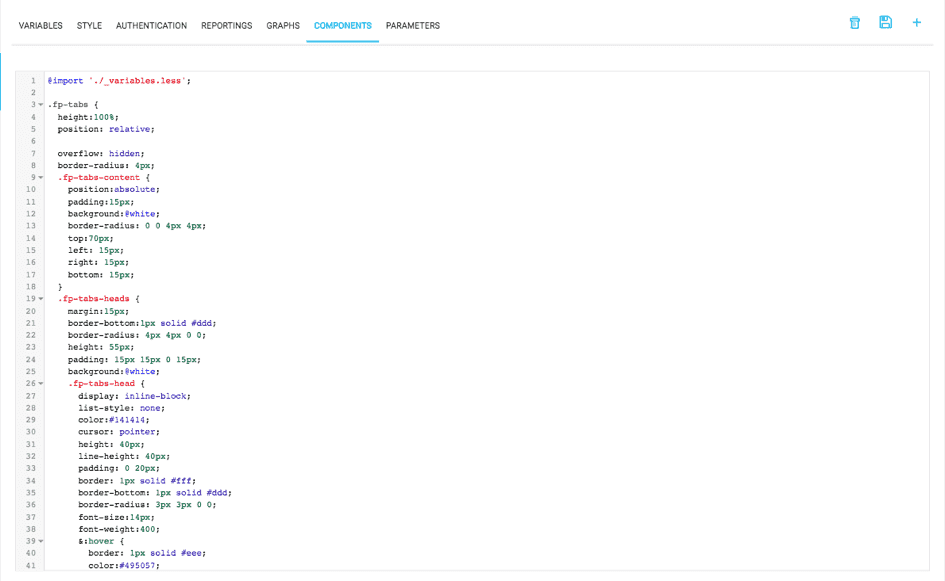
Within an application, the Platform allows to modify the style and design. The definition of the graphic chart to apply to the application is centralized in the Style tab. These changes in CSS / LESS can be applied in different files as in the image below:
Changes to the application's style require rebuilding the artifact as well as redeploying it.
Go further
For training or technical assistance implementing our solutions, contact your sales representative or visit our Professional Services page to request a quote and have your project analysed by our experts.
Ask questions, give your feedback and interact directly with the team building the Data Platform on the dedicated Discord channel.
If you need support with your OVHcloud services, create a request in our Help Centre.
Join our community of users.