
Installing Traefik on OVHcloud Managed Kubernetes
Find out how to install Traefik as an Ingress Controller on OVHcloud Managed Kubernetes
Objective
This tutorial explains how to install Traefik as an Ingress Controller on your OVHcloud Managed Kubernetes Service.
Requirements
- A working OVHcloud Managed Kubernetes cluster and basic knowledge of how to operate it (see the OVHcloud Managed Kubernetes Service Quickstart)
- Helm installed on your workstation (see the Installing and using Helm on OVHcloud Managed Kubernetes tutorial)
Ingress resources and Traefik
In Kubernetes, an Ingress resource allows you to access your Services from outside the cluster. The goal is to use a single Load Balancer for the Ingress Controller instead of creating one Load Balancer per Service.
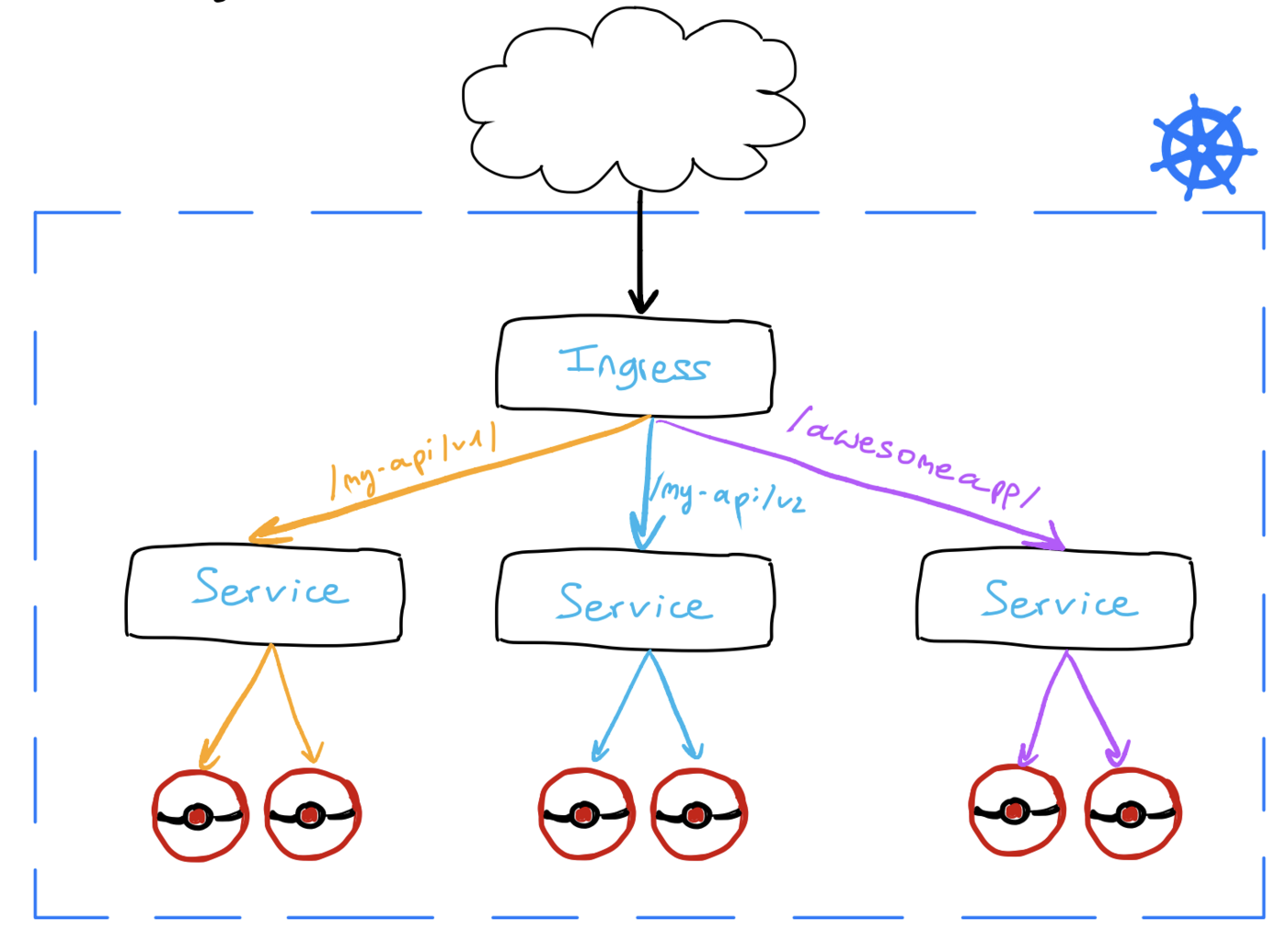
An Ingress is implemented by a third-party Ingress Controller that watches the Kubernetes API for new and updated Ingress resources.
In this tutorial, you will install Traefik Proxy. Traefik routes incoming requests to backend Services according to the rules defined in your Ingress resources.
Deploying Traefik also creates an OVHcloud Public Cloud Load Balancer. The Load Balancer routes external traffic to Traefik, which then forwards each request to the appropriate backend Service.
The Kubernetes community retired ingress-nginx in March 2026. The project no longer receives releases, bug fixes, or security updates and should not be deployed for new workloads.
This guide previously covered ingress-nginx and now uses Traefik. Existing ingress-nginx users should follow the Traefik migration guide, review their controller-specific annotations, and test the migration before removing their current controller.
Instructions
Installing the Traefik Helm chart
For this tutorial, we are using the official Traefik Helm chart with its default configuration.
Check that the Traefik Deployment is available:
The LoadBalancer creation is asynchronous and can take several minutes. Watch the Service until an address appears in the EXTERNAL-IP column:
Press Ctrl+C to stop watching the Service, then retrieve its external IP address:
Testing Traefik with an Ingress
To test Traefik, you can, for example, install WordPress on your cluster. Then create an ingress.yml file with the following content:
Replace [YOUR_WORDPRESS_SERVICE_NAME] with the name of your WordPress Service.
Apply the file:
Check that the Ingress has an address:
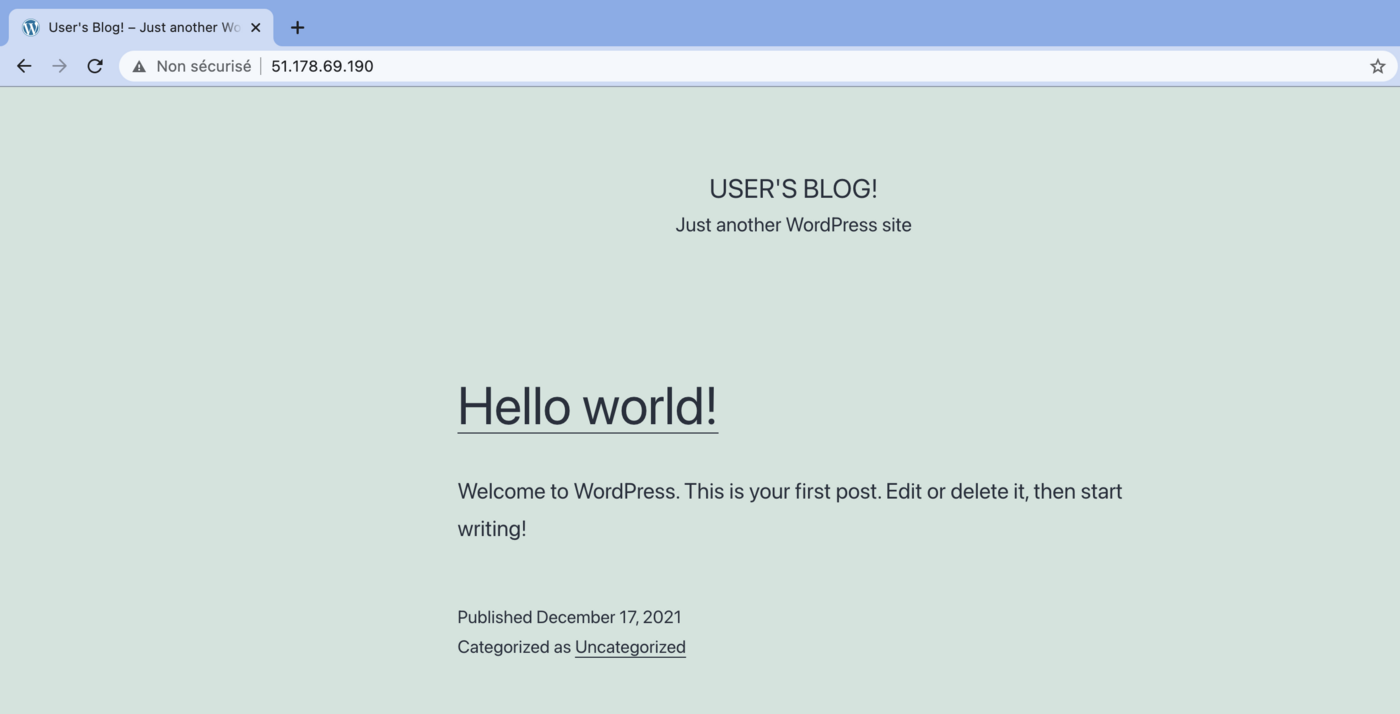
Open http://$INGRESS_URL/ in your browser to see your WordPress site:
Go further
Read the Traefik Kubernetes Ingress documentation.
Learn how to use the OVHcloud Public Cloud Load Balancer with Managed Kubernetes Service.
For training or technical assistance implementing our solutions, contact your sales representative or visit our Professional Services page to request a quote and have your project analysed by our experts.
- Join our community of users.