
Cluster status
This guide shows you how to check your Ceph cluster status and health.
Using web interface
First, connect to the Cloud Disk Array manager. Under 'Platforms and services' select your Ceph cluster. You will see two different parts: cluster details and cluster health.
Cluster details
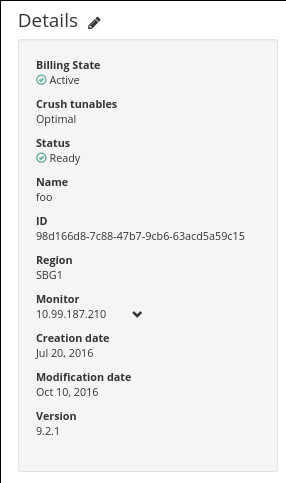
Additional explanations:
Cluster health
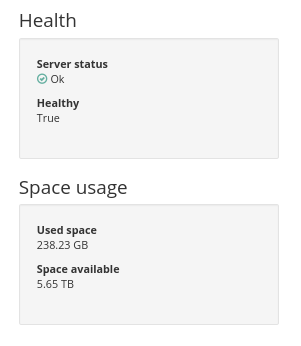
Additional explanations:
Using API
Get Ceph cluster details with a simple HTTP call.
Example:
Get Ceph cluster health:
Go further
Visit our dedicated Discord channel: https://discord.gg/ovhcloud. Ask questions, provide feedback and interact directly with the team that builds our Storage and Backup services.
For training or technical assistance implementing our solutions, contact your sales representative or visit our Professional Services page to request a quote and have your project analysed by our experts.
Join our community of users.