
Convert cumulative values to daily deltas with the Diff action
When you have tables which contain dated attributes describing total values (total daily orders, total monthly revenue, etc.) at a given time
Objective
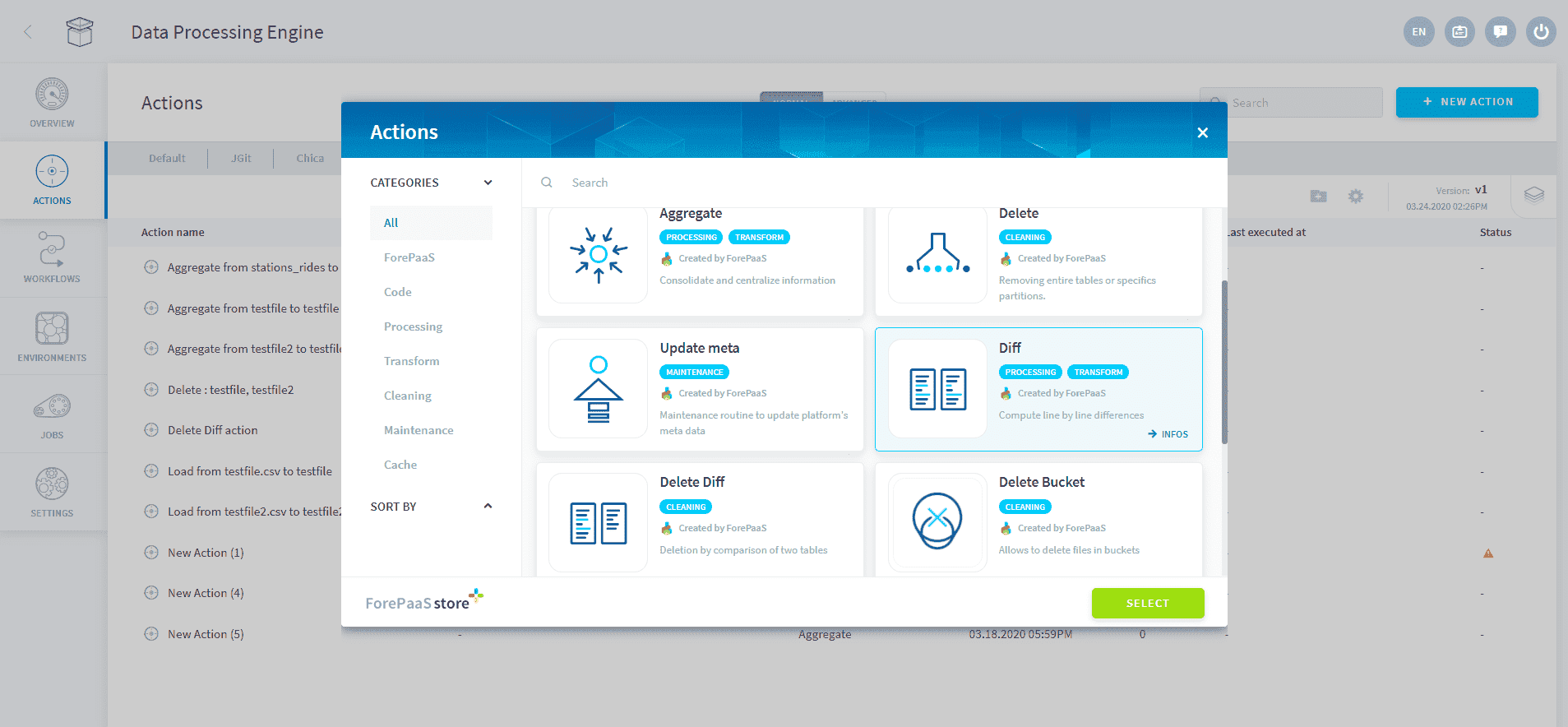
When you have tables which contain dated attributes describing total values (total daily orders, total monthly revenue, etc.) at a given time, the diff action lets you compute the difference of these values between consecutive time increments.
For example, let's consider the total_fans attribute in the table below calculated each day for a certain social media profile page. Assuming the total_fans describes the total number of fans since the creation of this profile, the diff action will let you compute the number of new fans acquired or lost between each day.

Please note that first dates of each ids won't have their first incremental value computed, as the previous date is not known. There is an optional advanced parameter if you have the date of creation so that the first incremental date will be computed as equal to the total attribute.
Action Configuration
Action's configuration interface
When configuring the diff action from the interface, you will be asked to specify:
- the table name which contains the total value
- the timeline attribute which will be used to get the time increments between 2 total values
- the measure to compute, there can be several of them for a given table, for each specify the cummulative value attribute and the incremental value attribute
The primary keys of the table are automatically assigned.
Action's example JSON configuration
Like any other DPE actions, you can also configure the action in "Advanced Mode" by editing its JSON configuration, a snippet of which is shown below.
Action's Parameters
Below is a short description of all available attributes in the JSON configuration.
Go further
For training or technical assistance implementing our solutions, contact your sales representative or visit our Professional Services page to request a quote and have your project analysed by our experts.
Ask questions, give your feedback and interact directly with the team building the Data Platform on the dedicated Discord channel.
If you need support with your OVHcloud services, create a request in our Help Centre.
Join our community of users.