
Creating a private network with Gateway (EN)
Objective
A Gateway offers a secure outbound connection method from your private network instances or the ability to use Floating IPs with your instance or Load Balancer for service exposition.
This can be created via the OVHcloud Control Panel, the OpenStack API or the OVHcloud API.
Learn how to create a private network with a gateway.
Requirements
- A Public Cloud project in your OVHcloud account
- Access to the OVHcloud API or the OpenStack command line environment (Tutorial)
- The OpenStack Command Line Interface tool installed on your working environment (optional)
Instructions
Dostęp do Panelu klienta OVHcloud
- Link bezpośredni: Public Cloud Projects
- Ścieżka nawigacji:
Public Cloud> Wybierz projekt
Via the OVHcloud Control Panel
Click on the tabs below to view each of the 6 steps in turn.
Click on Gateway in the left-hand menu under Network.
Please note that you need to have activated the vRack before proceeding, if you do not have a vRack, please consult this section of the relevant guide.
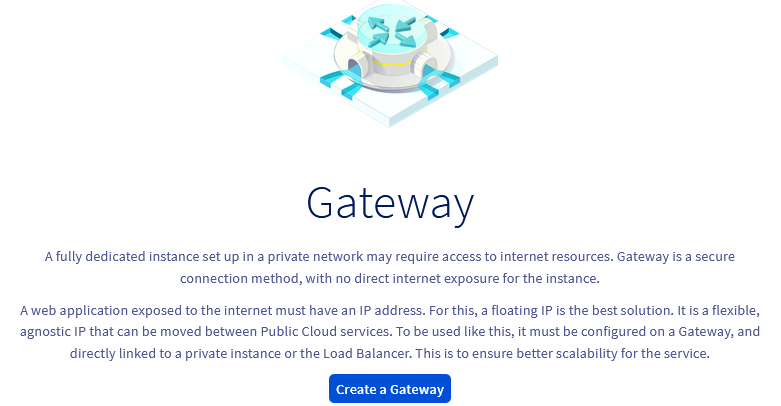
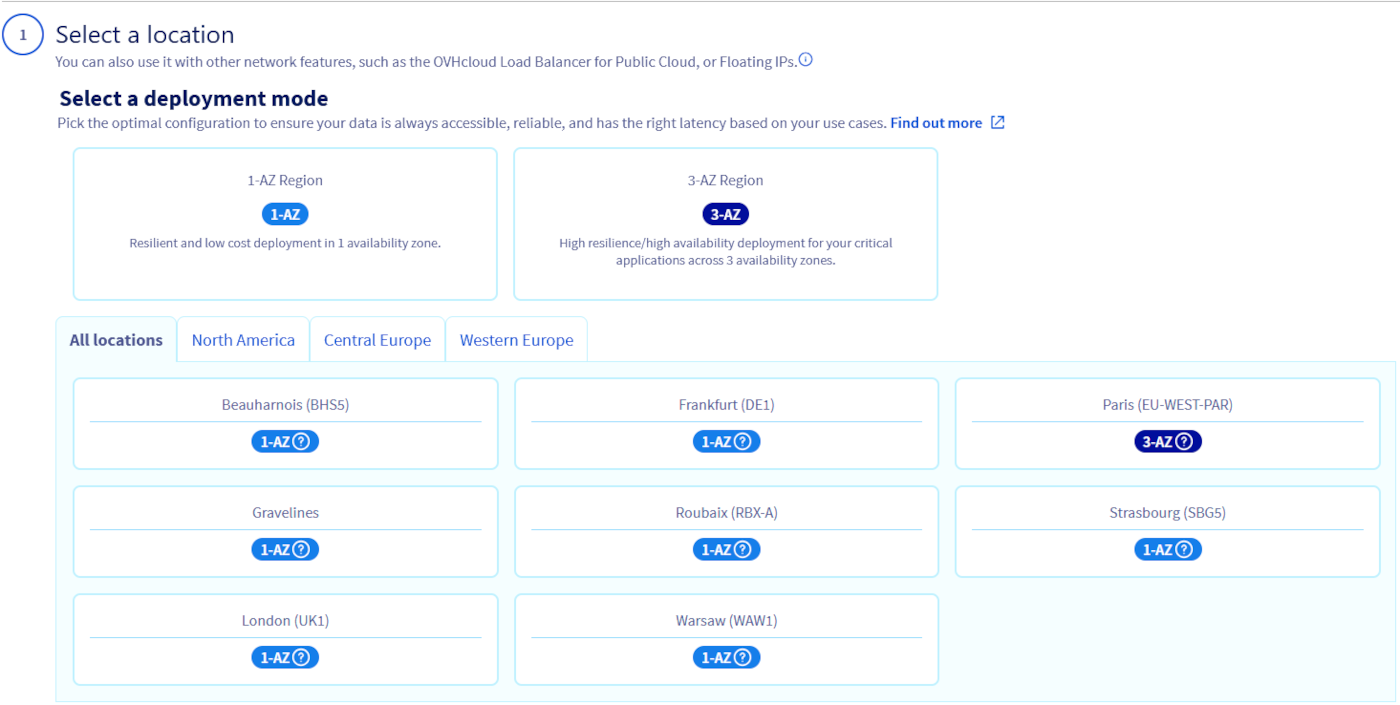
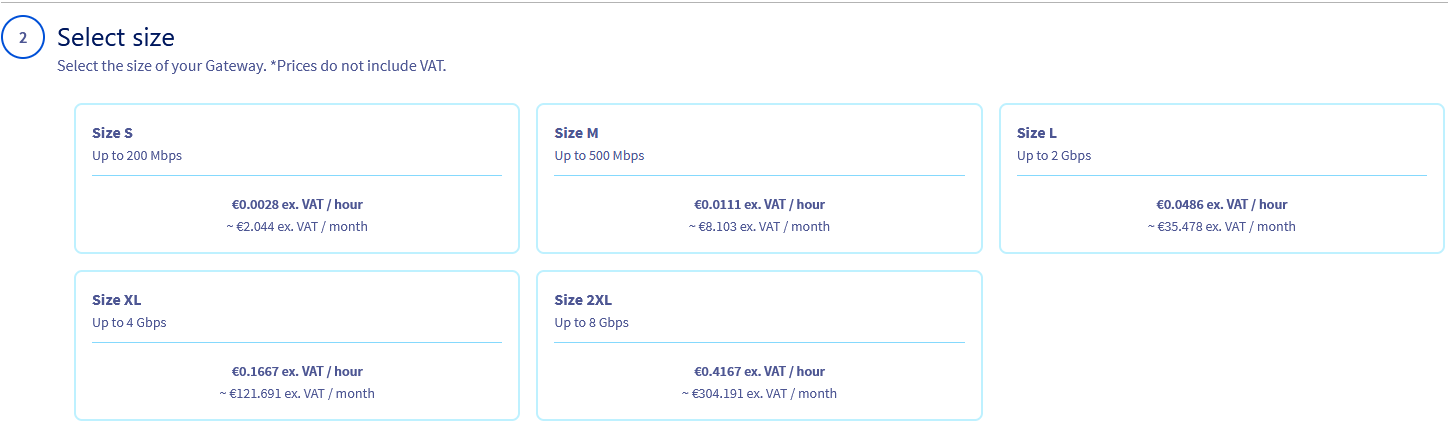
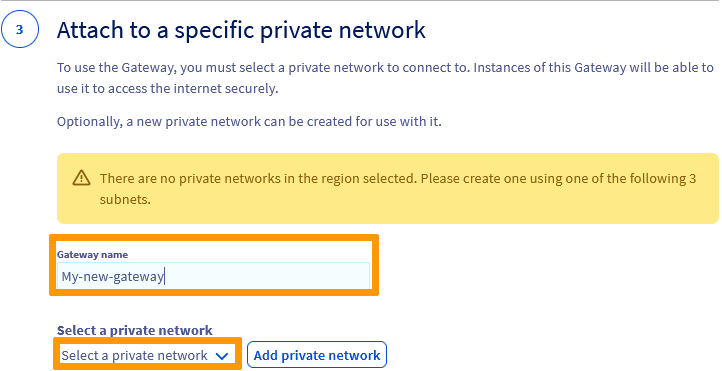
Next, click on Create a Gateway.
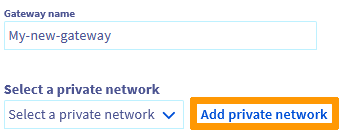
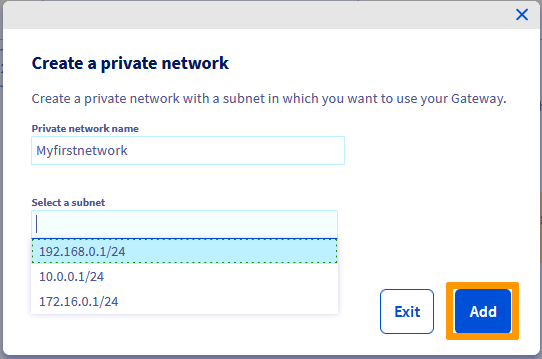
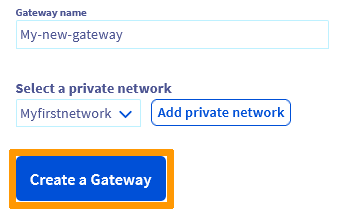
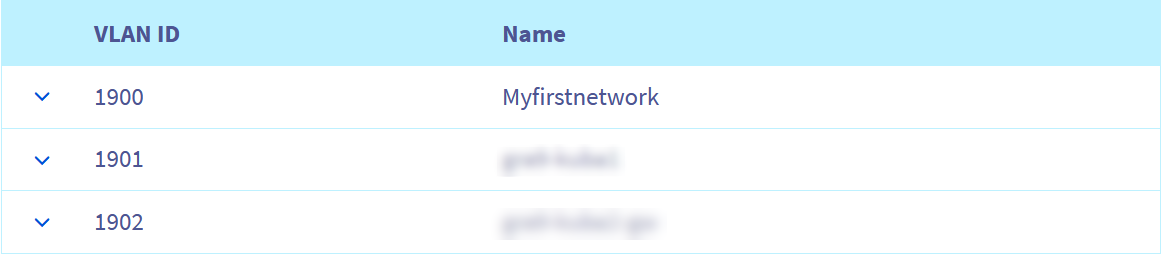

Via Terraform
Before proceeding, it is recommended that you consult this guide:
Once your environment is ready, you can create a Terraform file called 'private_network_simple.tf' and write the following:
You can create your resources by entering the following command:
Via the OpenStack API
Before proceeding, it is recommended that you consult these guides:
Once your environment is ready, type the following at the command line to create a network and subnet:
Step 2
List the quality of service available:
Step 3
If you omit the
--qos-policyparameter the "small" quality of service will be applied.
Via the OVHcloud API
Log in to the OVHcloud APIv6 interface according to the relevant guide (First steps with the OVHcloud API).
In case the project ID is unknown, the calls below allow you to retrieve it.
This call retrieves the list of projects.
This call identifies the project via the "description" field.
Go further
Learn more about Gateway and its scenarios on our dedicated page.
If you need training or technical assistance to implement our solutions, contact your sales representative or click on this link to get a quote and ask our Professional Services experts for assisting you on your specific use case of your project.
Join our community of users.