---
title: "Creating your first OVHcloud Public Cloud project"
description: "Find out how to create your first Public Cloud project via the OVHcloud Control Panel"
url: https://docs.ovhcloud.com/en/guides/public-cloud/cross-functional/create-a-public-cloud-project
lang: en
lastUpdated: 2026-05-28
---
# Creating your first OVHcloud Public Cloud project
## Objective
Creating a project is the first step in deploying [Public Cloud instances](https://www.ovhcloud.com/en-gb/public-cloud/).
**This guide will take you through the steps of creating your first Public Cloud project.**
## Requirements
***
### OVHcloud Control Panel Access
- **Direct link:** Public Cloud Projects
- **Navigation path:** Public Cloud > Select your project
***
## Instructions
### Project creation
Once you have read and understood the terms of the contracts, tick the corresponding box, then click `Discover the Public Cloud universe
`.
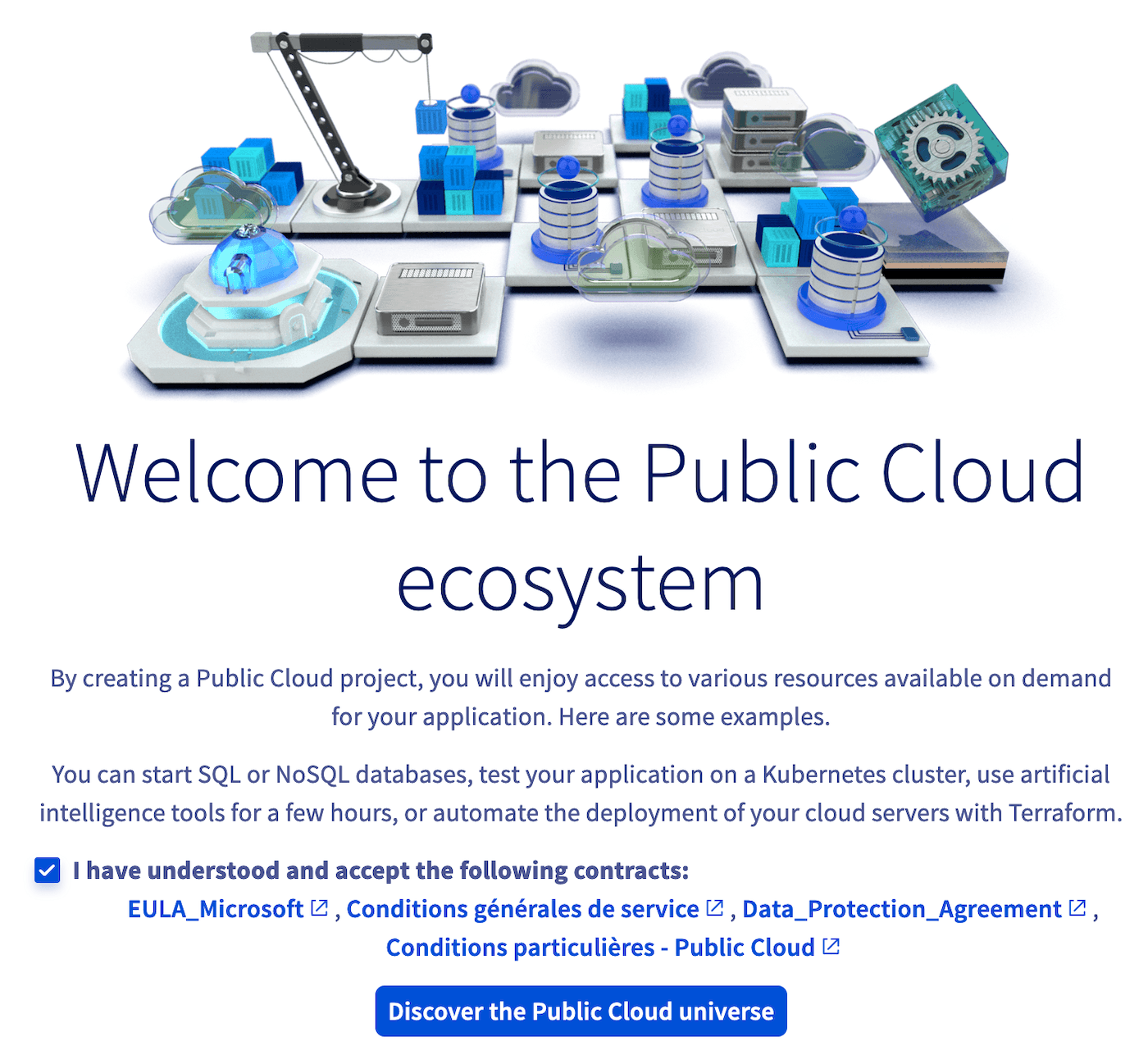
- If you do not have a valid payment method in your OVHcloud account yet, the process of creating the Public Cloud project begins. Your project will then be created in [discovery mode](#discovery).
- If you have already registered a payment method in your OVHcloud account, you will need to name your Public Cloud project first, then select your payment method.
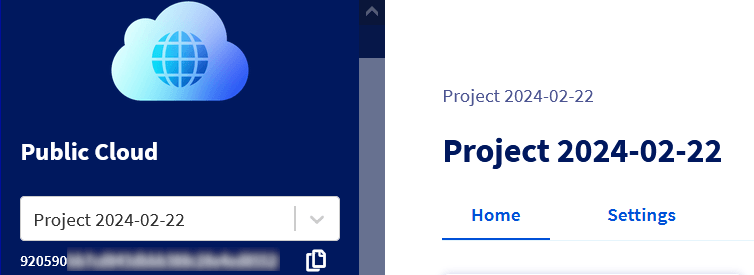
Once the creation process is complete, your new Public Cloud project will be visible in the top left-hand corner of the `Public Cloud
` section of the OVHcloud Control Panel:
You now have access to the entire OVHcloud Public Cloud ecosystem. To discover this new interface, read our guide [How to use the Public Cloud interface ](/en/guides/public-cloud/cross-functional/public-cloud-interface-walk-me.md).
[](#)
:::info
**Discovery Mode**
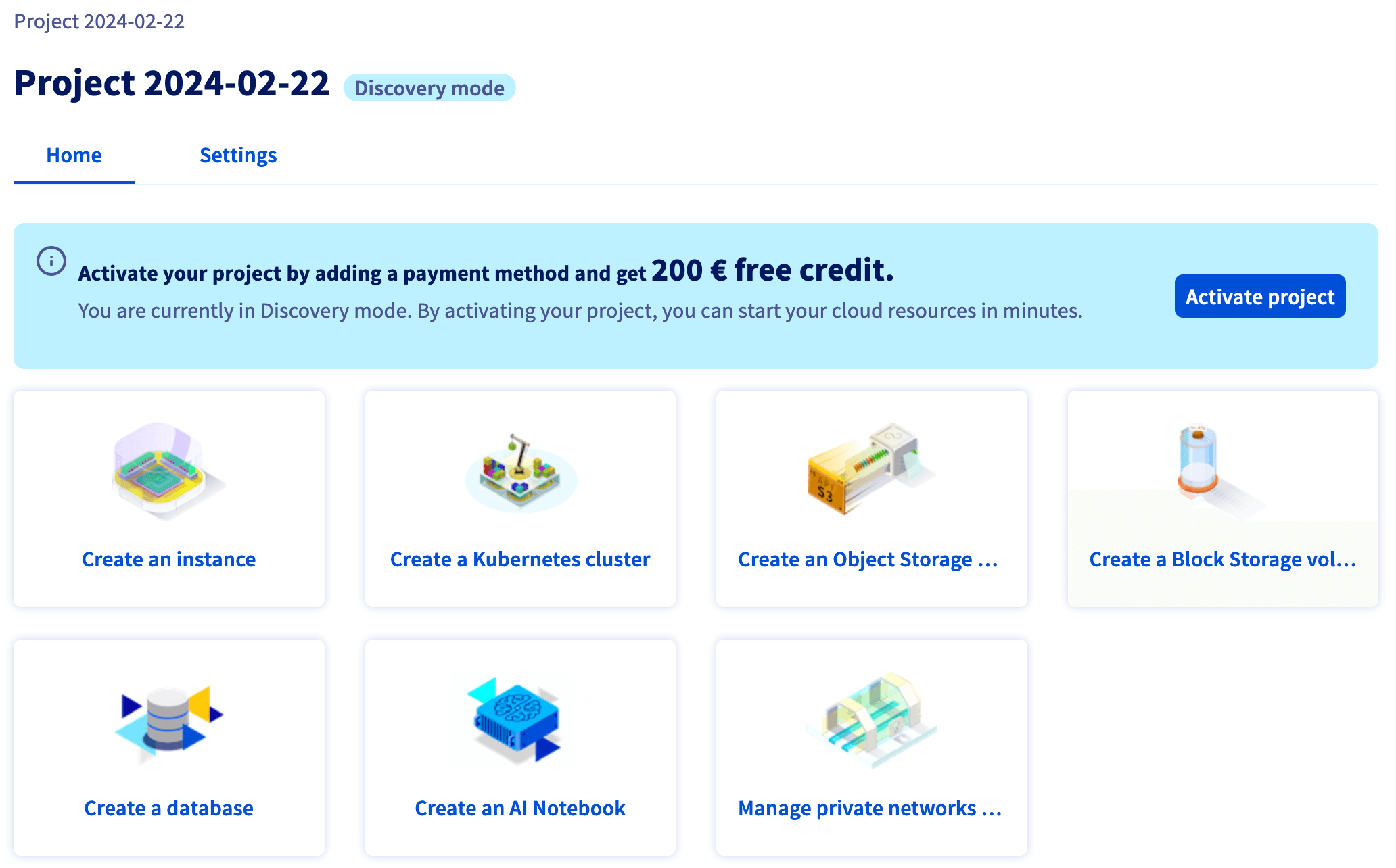
If this is your first Public Cloud project and you have not entered a payment method in your account, your Public Cloud project is then restricted to the `discovery mode` of the OVHcloud Control Panel. This means that you can browse and discover Public Cloud products, but you cannot yet create resources such as instances.
To harness the full potential of the Public Cloud and start your first resources, click `Activate project
` on your project’s homepage.
:::
### Project activation and free trial
When you click `Activate project
` from `discovery mode`
and register a payment method, a **£175 free trial credit**
is applied if you are eligible.
:::info
**Free trial conditions**
- The credit is activated at the time of project activation and is valid for **one month**.
- **Eligible:** Any OVHcloud customer creating their first Public Cloud project, even if they already have an OVHcloud account.
- **Not eligible:** Customers with a current or past Public Cloud project, or who have already used a free trial credit.
Learn more on the [OVHcloud Public Cloud free trial](https://www.ovhcloud.com/en-gb/public-cloud/free-trial/) page.
:::
## Go further
- [Creating and connecting to your first Public Cloud instance](/en/guides/public-cloud/compute/first-steps-with-public-cloud-instance.md)
- [Changing project contacts](/en/guides/public-cloud/compute/change-project-contacts.md)
- [Delegating projects](/en/guides/public-cloud/cross-functional/delegate-projects.md)
- [Deleting a Public Cloud project](/en/guides/public-cloud/cross-functional/delete-a-project.md)
- [Information regarding Public Cloud billing options](/en/guides/public-cloud/cross-functional/analyze-billing.md)
If you need training or technical assistance to implement our solutions, contact your sales representative or click on [this link](https://www.ovhcloud.com/en-gb/professional-services/) to get a quote and ask our Professional Services experts for assisting you on your specific use case of your project.
Join our [community of users](https://community.ovhcloud.com/).