---
title: "Presentation of the new OVHcloud Control Panel navigation"
description: "Find out how to access your account and services in the new version of the OVHcloud Control Panel"
url: https://docs.ovhcloud.com/en/guides/account-and-service-management/account-information/new-control-panel-navigation
lang: en
lastUpdated: 2025-04-24
---
# Presentation of the new OVHcloud Control Panel navigation
## Objective
Since April 2025, OVHcloud teams have introduced a new navigation in your Control Panel to manage your account and services more easily.
**This guide will give you a quick guided tour of the new OVHcloud Control Panel navigation.**
## Requirements
- An active OVHcloud account
***
### OVHcloud Control Panel Access
- **Direct link:** My account
- **Navigation path:** Click your name in the top right > Access my account
***
## Instructions
### How do I access my account?
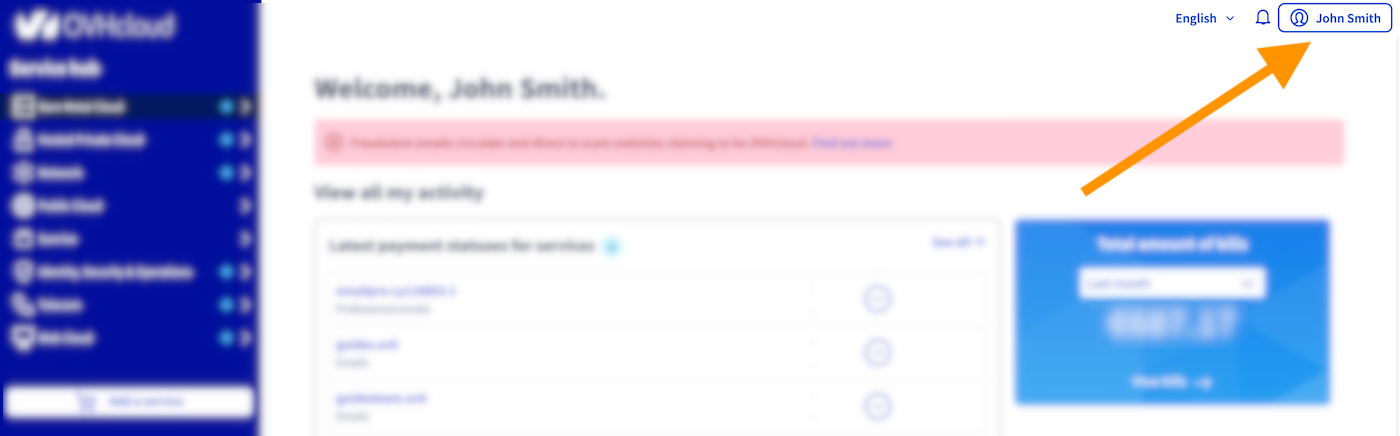
Access your account management at any time by clicking on your name in the top right-hand corner of the OVHcloud Control Panel.
### How do I manage my account and my information?
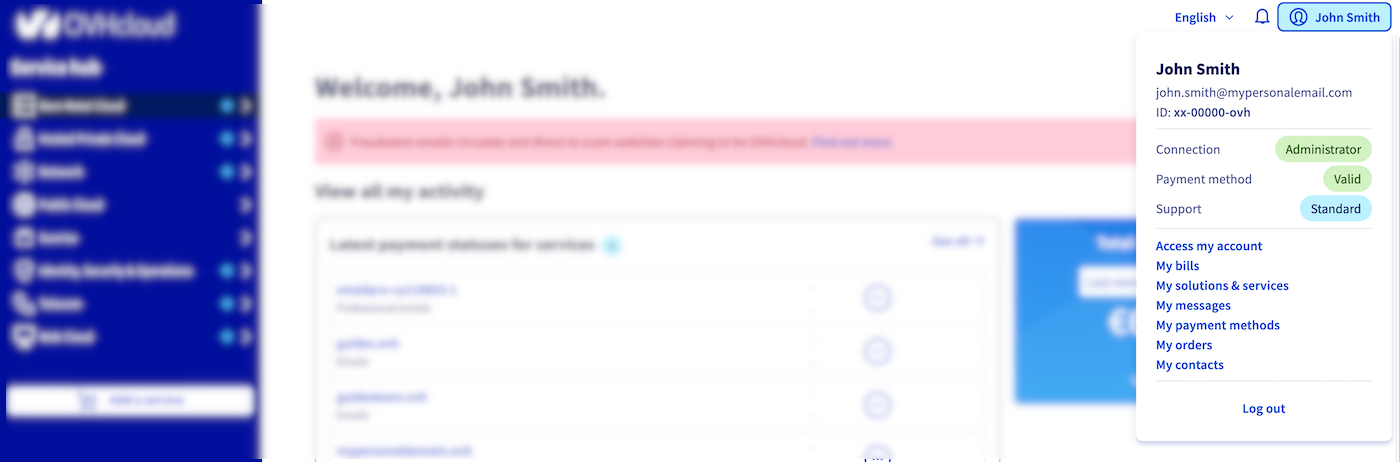
Click your name to update your profile, payment methods, and support level.
The same menu gives you quick access to your invoices, orders and management of your services.
You will also find links to service emails sent by OVHcloud (`My messages
`) and the different contacts linked to your services.
Useful links
- [Securing my OVHcloud account and managing my personal information](/en/guides/account-and-service-management/account-information/all-about-username.md)
- [Best practices for managing your OVHcloud services and account](/en/guides/account-and-service-management/managing-billing-payments-and-services/best-practices.md)
- [How to renew OVHcloud services](/en/guides/account-and-service-management/managing-billing-payments-and-services/automatic-renewal.md)
- [Managing payment methods](/en/guides/account-and-service-management/managing-billing-payments-and-services/manage-payment-methods.md)
- [Managing OVHcloud orders](/en/guides/account-and-service-management/managing-billing-payments-and-services/ovh-orders.md)
- [Managing OVHcloud bills](/en/guides/account-and-service-management/managing-billing-payments-and-services/invoice-management.md)
- [Managing contacts for your services](/en/guides/account-and-service-management/account-information/managing-contacts.md)
### How do I access my services?
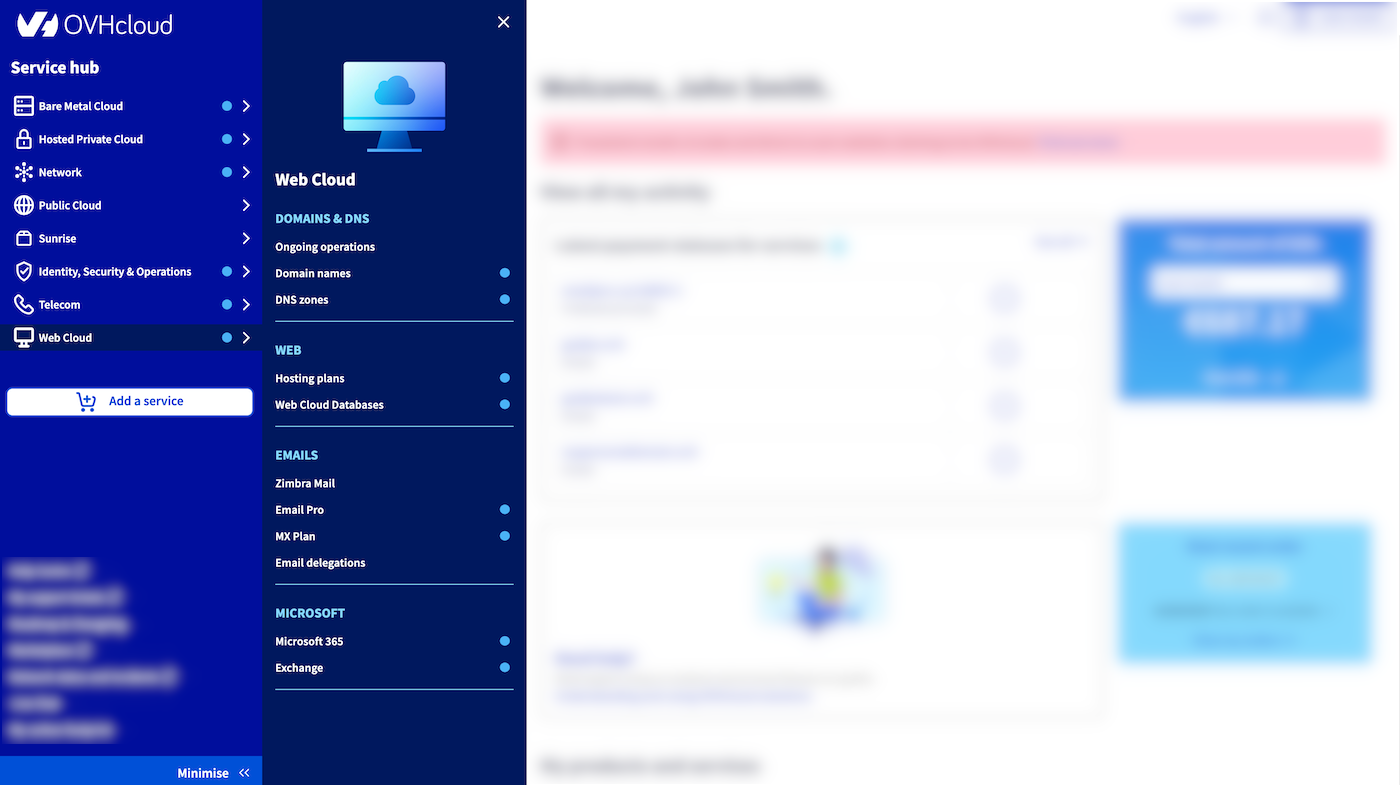
The menu for accessing OVHcloud services is now displayed on the left-hand side of the OVHcloud Control Panel. All OVHcloud services are accessible here, so you can easily supplement your solution with additional, adapted services.
The services you have are indicated by a blue chip1
.
### Additional shortcuts
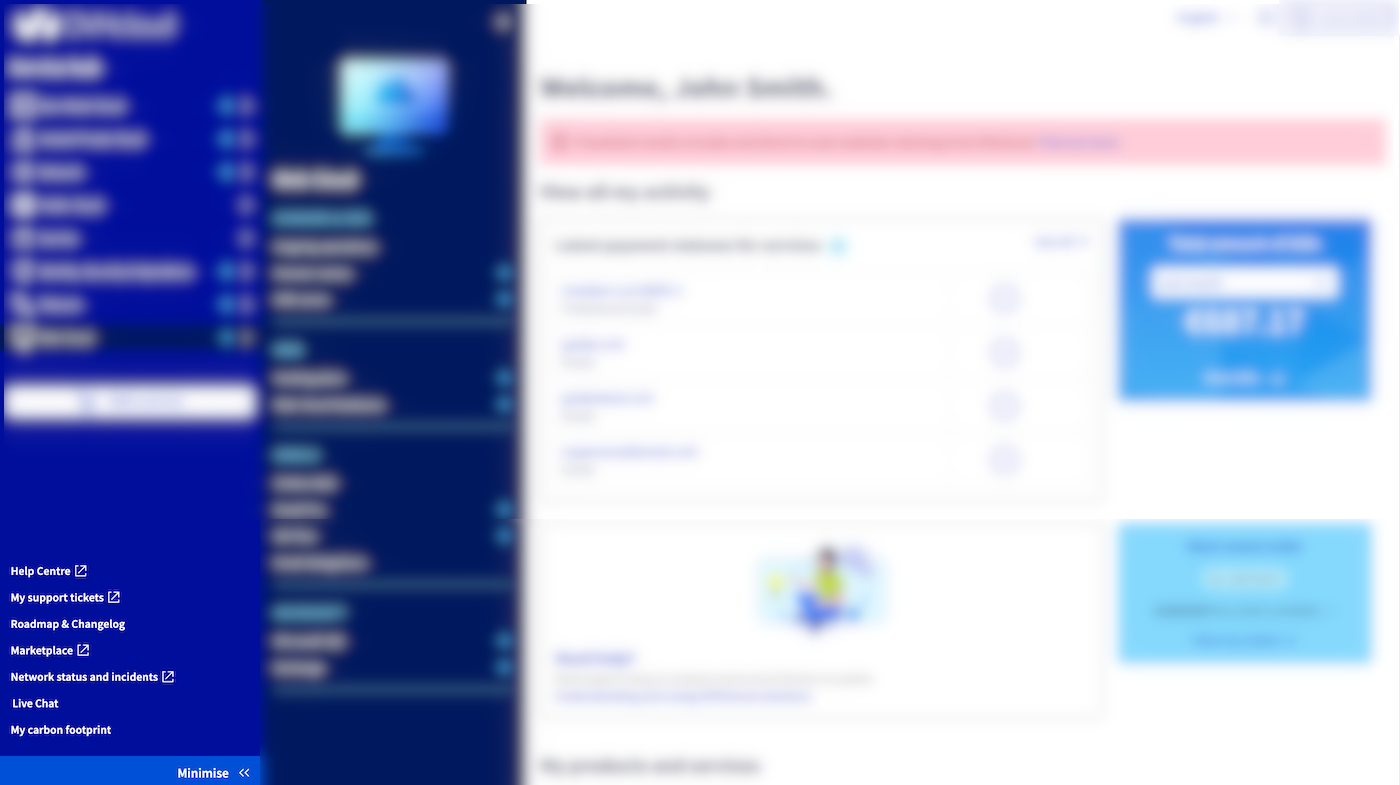
In the bottom left-hand corner of the OVHcloud Control Panel, there are shortcuts that enable you to find out more about our Marketplace, to stay informed about the status of your services in real time, and estimate your carbon footprint.
**Need help?** Access the Help Center, your support requests, and Live Chat.
Useful links
- [OVHcloud Help Center](https://help.ovhcloud.com/csm?id=csm_get_help)
- [OVHcloud partner directory](https://partner.ovhcloud.com/en-gb/directory/)
- [OVHcloud Status](https://www.status-ovhcloud.com/)
- [How to get the carbon footprint of your OVHcloud services](/en/guides/account-and-service-management/managing-billing-payments-and-services/carbon-footprint.md)
## Go further
Join our [community of users](https://community.ovhcloud.com/).
1
: Not available on Public Cloud services.